Apple Meeting Recording Apps for Work Communication
Apple ecosystem workplace communication often faces recording deficiencies in multi-scene office scenarios. Default system recording tools struggle with long-duration meetings, multi-speaker distinction, dialect recognition and post-meeting content sorting, which causes valid meeting information to be missing and increases manual sorting workload for office staff. Third-party meeting recording applications adapted for Apple devices fill the functional gaps of native tools, matching diverse workplace communication demands across different job roles and office scenarios.
Core One-Click Recording Capability & Adaptable Scenarios
One-click recording serves as the foundational core function of Apple device meeting recording applications. The ultra-simplified interface supports instant recording without redundant operational steps. The background persistent recording mechanism maintains continuous audio capture while users run office software, online course platforms and daily communication tools on the front end, achieving zero-delay audio synchronization to retain all key dialogue content completely.
This function matches the daily work demands of administrative staff, project coordinators and online course researchers. It suits impromptu team discussions, remote online meetings and long-term academic seminar scenarios, avoiding content omission caused by manual operation delays or foreground program switching interruptions.
Audio & Text Processing Functional Scenario Classification
Different workplace roles have differentiated demands for meeting audio transcription and content sorting. Multiple core functions of Apple-compatible meeting recording apps correspond to precise job scenario matching, with all effect data based on actual office environment tests.
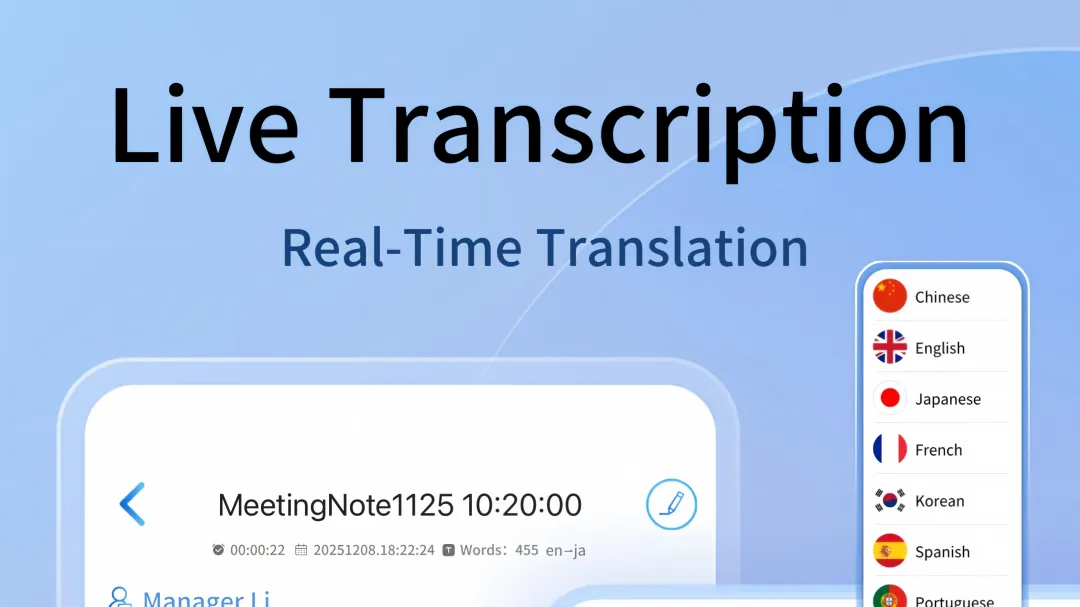
For cross-border office practitioners and international project teams, the apps support real-time transcription of 52 languages and bilingual two-way translation. The full-device multi-language switching feature adapts to overseas remote meetings and international academic exchange scenarios, eliminating language information barriers in workplace communication.
Offline & Long-Duration Recording Application Rules
Many enterprise office venues and outdoor working environments have unstable network signals. The offline local recording engine of Apple meeting recording apps completes full audio storage without cloud network reliance, achieving 100% content retention in weak network or network-free environments. This feature is widely applied in government and enterprise offline closed-door meetings, outdoor field interviews and on-site project research scenarios.
The optimized audio storage structure supports ultra-long-duration recording. Million-word-level audio files maintain zero stuttering and zero data loss during sorting, fully matching all-day industry seminars, long-term project negotiations and full-cycle academic research recording demands.
Post-Meeting Intelligent Content Sorting Scenarios
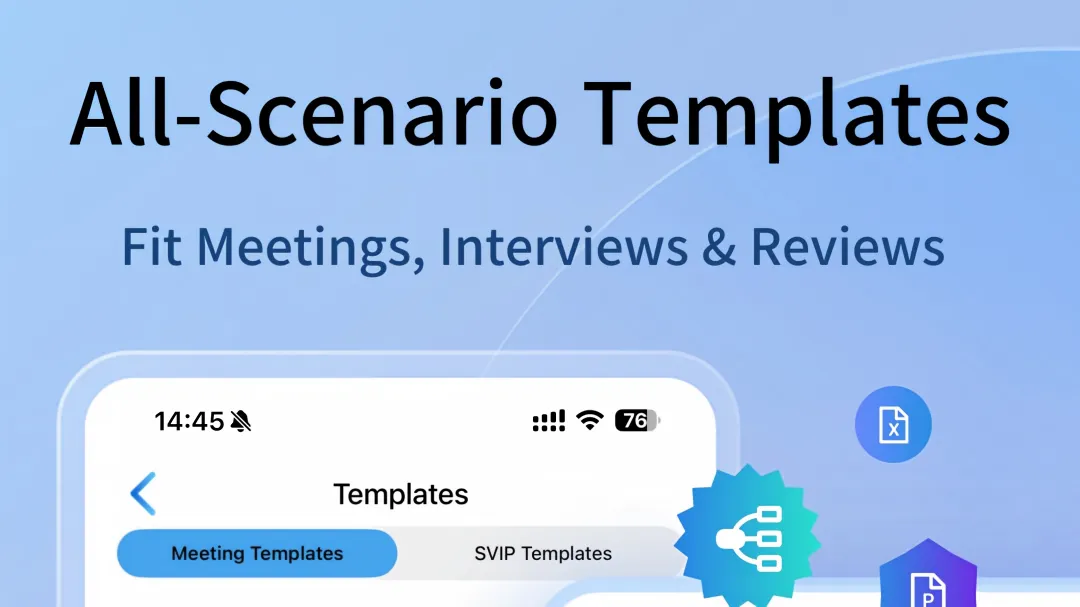
Front-line office employees and project managers spend substantial time organizing meeting content manually. The built-in 50+ industry meeting minutes templates cover medical, legal, interview and other vertical fields, supporting one-click content generation and full-text custom editing.
Individualized office demands are covered by diversified intelligent derivation functions. Recording content can be automatically classified and counted to generate Excel data tables, disassembled into multi-style mind maps, and compiled into complete PPT slides, adapting to daily report sorting, project data sorting and meeting result presentation work.
The AI weekly report generation function automatically aggregates recorded content and imported audio files within a cycle, extracts core events and key viewpoints, reducing manual content retrieval and collation work for managers and regular office staff.
Multi-Terminal Collaboration & Data Management Rules
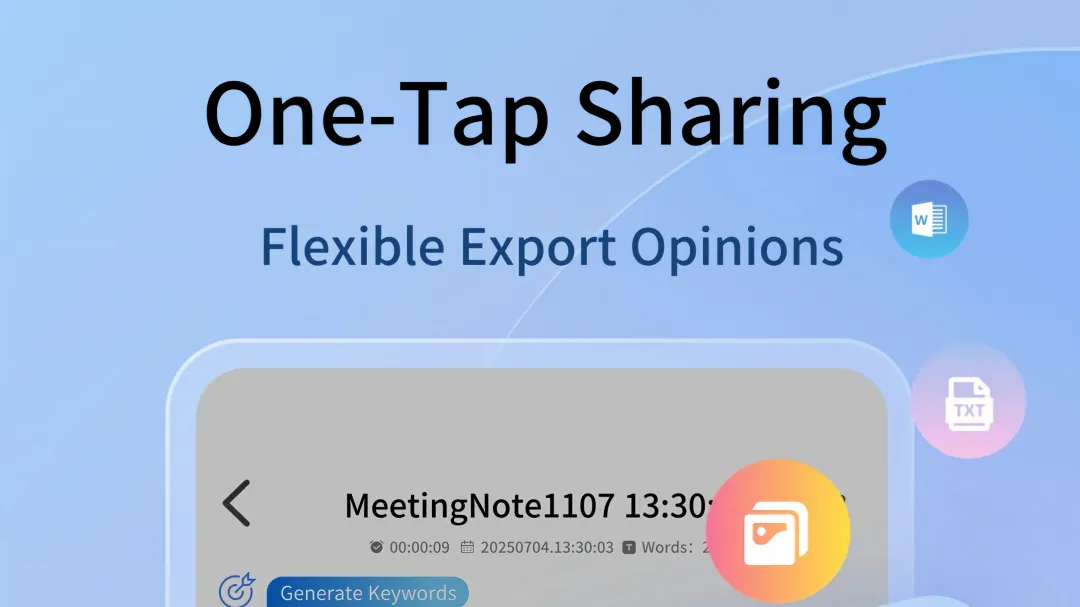
The synchronized use of mobile and web terminals realizes multi-terminal collaborative office on Apple devices. Mobile terminals complete real-time recording and on-site marking, while computer terminals undertake content editing, sorting and derivation work. Cross-device historical data achieves 100% synchronous backup, and all archived content supports offline viewing.
The dual local and cloud storage mode forms dual data backup. The dual-dimensional retrieval mechanism based on time and keywords, together with the one-stop full-content search function, covers recordings, transcribed texts, marked clips and auxiliary pictures, improving the efficiency of historical office content query.
Auxiliary recording functions further complement workplace recording details. On-site snapshot recording binds pictures to corresponding audio time periods, making up for the deficiency of pure audio records in blackboard writing and on-site data retention. Functions such as in-recording key marking, real-time note-taking and long-recording chapter division standardize the whole-process meeting content recording and sorting process for enterprise offices.
Apple device meeting recording applications form a full-link workplace communication recording system covering pre-recording preparation, in-recording capture and post-recording sorting. Different functional modules precisely match the differentiated work demands of administrative personnel, researchers, managers and cross-border practitioners, solving various content loss and inefficient sorting problems existing in traditional Apple device office recording.
Responses
Join the conversation
Sign in to share your thoughts and interact with the author.
Sign In to Comment