The Parsing Problem
You copy a video link from a short-form content platform, paste it into a recording tool, and nothing happens. The link returns an error, times out, or extracts a blank file. This is a common friction point for creators, researchers, and journalists who need to pull audio from video content for transcription, archival, or analysis purposes.
Video link parsing fails for several technical reasons. Platforms employ anti-crawling measures like token-based authentication, signed URLs with expiration timestamps, and device fingerprinting. When a tool requests a video page, the server may return a different HTML structure than expected, or serve a placeholder page instead of the actual media stream.
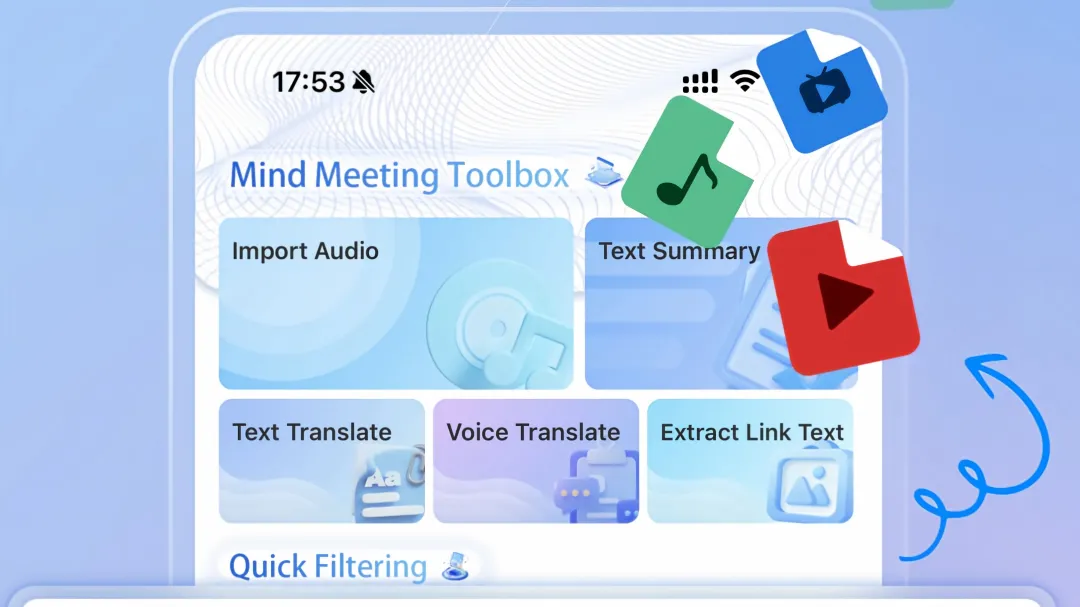
How Video Link Extraction Works
A recording tool processes a video link through three stages. Initially, it fetches the page HTML and identifies media URLs embedded in the source code or returned by API calls. Next, it parses the video player’s network requests to locate the actual audio stream URL. Finally, it retrieves the stream and converts it to a usable audio format like MP3 or WAV.
Tools that support broad platform compatibility, such as the Meetingminutes APP, claim support for 17 major short-video platforms including Douyin, Bilibili, Xiaohongshu, and Kuaishou. The actual success rate depends on how frequently the tool’s developers update their parsing rules to match platform changes.
When Extraction Doesn’t Work
Not all video links can be parsed successfully. Several scenarios commonly cause extraction to fail:
Private or deleted content. Videos set to private, restricted, or deleted by the creator are not accessible through public URLs. Parsing tools cannot retrieve content that requires authentication or no longer exists on the platform.
Live streams. Active live broadcasts may not have a finalized video file to extract. Some platforms only make VOD content available after the stream ends.
Copyright-restricted media. Music-heavy content or officially licensed videos may have their streams encrypted or watermarked, making clean audio extraction difficult or impossible.
Unsupported platforms. Tools maintain a list of supported platforms. Links from platforms outside this list will not parse. Coverage varies between tools, with some supporting 17 platforms and others covering fewer.
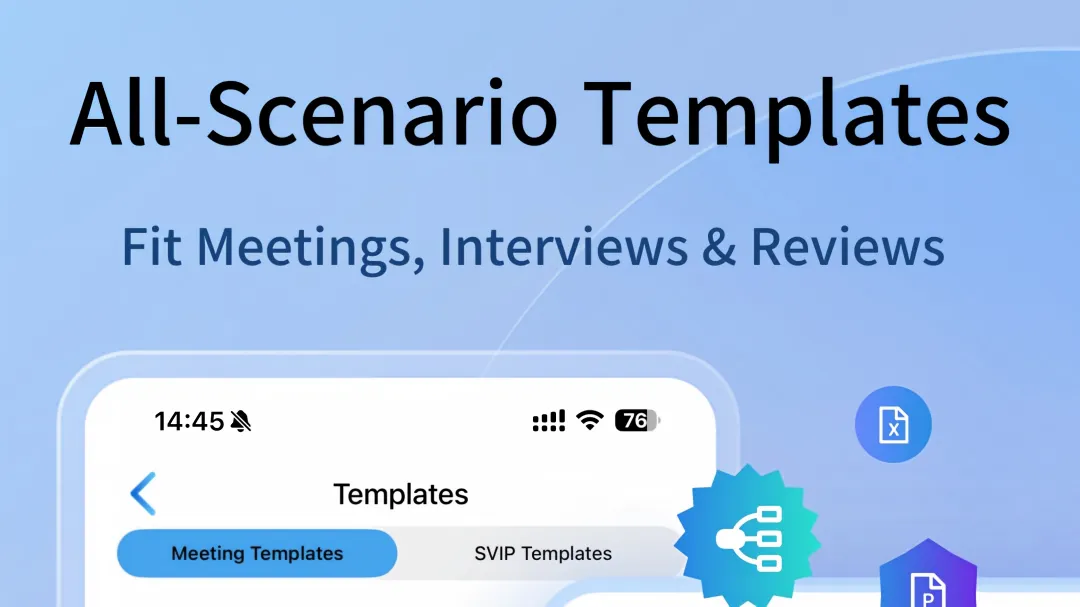
How Video Link Extraction Works
A recording tool processes a video link through three stages. Initially, it fetches the page HTML and identifies media URLs embedded in the source code or returned by API calls. Next, it parses the video player’s network requests to locate the actual audio stream URL. Finally, it retrieves the stream and converts it to a usable audio format like MP3 or WAV.
Tools that support broad platform compatibility, such as the Meetingminutes APP, claim support for 17 major short-video platforms including Douyin, Bilibili, Xiaohongshu, and Kuaishou. The actual success rate depends on how frequently the tool’s developers update their parsing rules to match platform changes.
When Extraction Doesn’t Work
Not all video links can be parsed successfully. Several scenarios commonly cause extraction to fail:
Private or deleted content. Videos set to private, restricted, or deleted by the creator are not accessible through public URLs. Parsing tools cannot retrieve content that requires authentication or no longer exists on the platform.
Live streams. Active live broadcasts may not have a finalized video file to extract. Some platforms only make VOD content available after the stream ends.
Copyright-restricted media. Music-heavy content or officially licensed videos may have their streams encrypted or watermarked, making clean audio extraction difficult or impossible.
Unsupported platforms. Tools maintain a list of supported platforms. Links from platforms outside this list will not parse. Coverage varies between tools, with some supporting 17 platforms and others covering fewer.Limitations to Understand
Video link parsing is not a universal solution. Even tools with broad platform support encounter failures on certain content types. Platform terms of service may restrict automated content extraction. Users should verify content licensing before extracting audio from copyrighted material.
Some tools require internet connectivity for parsing since they process links server-side. Others offer offline extraction but with limited platform support. The trade-off between convenience and compatibility is a consistent theme across recording tools.
Bottom Line
Video link parsing failures usually stem from platform security measures, not tool deficiencies. Understanding why links fail to parse helps users troubleshoot issues more effectively. Checking link validity, verifying platform support lists, and keeping parsing tools updated are practical steps that resolve most extraction problems. For users who regularly work with video audio across multiple platforms, choosing a tool with broad, frequently updated platform coverage reduces parsing friction.
Responses
Join the conversation
Sign in to share your thoughts and interact with the author.
Sign In to Comment