Cross-device operation of meeting applications often brings inconsistent data status and functional adaptation gaps for ordinary users. Many people encounter functional limitations when switching between mobile phones and personal computers during business meetings, academic lectures and long-term interviews. The core of rational use lies in matching device functions with usage scenarios and making full use of multi-terminal collaborative capabilities to avoid missing key meeting information.
Core Differences Between Mobile and PC Meeting App Usage
Mobile and PC terminals carry completely different functional positioning in meeting scenarios. Mobile devices feature portable operation and flexible startup, which adapt to temporary recording needs in mobile scenarios. One-click recording can be activated in seconds, and the background recording process remains stable while running other office applications, with zero delay in audio capture.
PC terminals focus on post-meeting content sorting and deep processing. The web terminal of mainstream meeting apps supports synchronous data docking with mobile phones, providing more intuitive editing views and multi-dimensional content sorting functions. It is suitable for long-time content arrangement and structured optimization of meeting records.
Multi-terminal Data Synchronization Mechanism
Data synchronization is the core support for cross-device use of meeting apps. Taking Meetingminutes APP as an example, all audio files, transcribed texts, marked content and generated documents can be automatically backed up to the cloud. After logging in to the same account on different devices, 100% of historical data can be synchronized completely.
The system also supports offline data viewing. All archived meeting content can be accessed normally in weak network or offline environments, eliminating the risk of information loss caused by network fluctuations. The dual storage mode of local and cloud provides dual protection for long-term meeting records and massive audio files.
Scenario-based Functional Adaptation Rules
For outdoor mobile meetings and temporary field interviews, mobile terminals are more suitable for front-end collection. The offline recording engine can complete full audio recording without cloud dependence, and the ultra-long recording mode supports uninterrupted recording of all-day meetings and long interviews, with no stuttering or file loss for million-word-level audio files.
In multi-person offline conferences and multi-dialect communication scenarios, the mobile terminal’s high-precision recognition capabilities take effect. It supports real-time transcription of more than 20 dialects and 52 global languages, with a 98% transcription accuracy rate in standard Mandarin scenarios. The system automatically filters redundant words and ambient noise to generate clean text content.
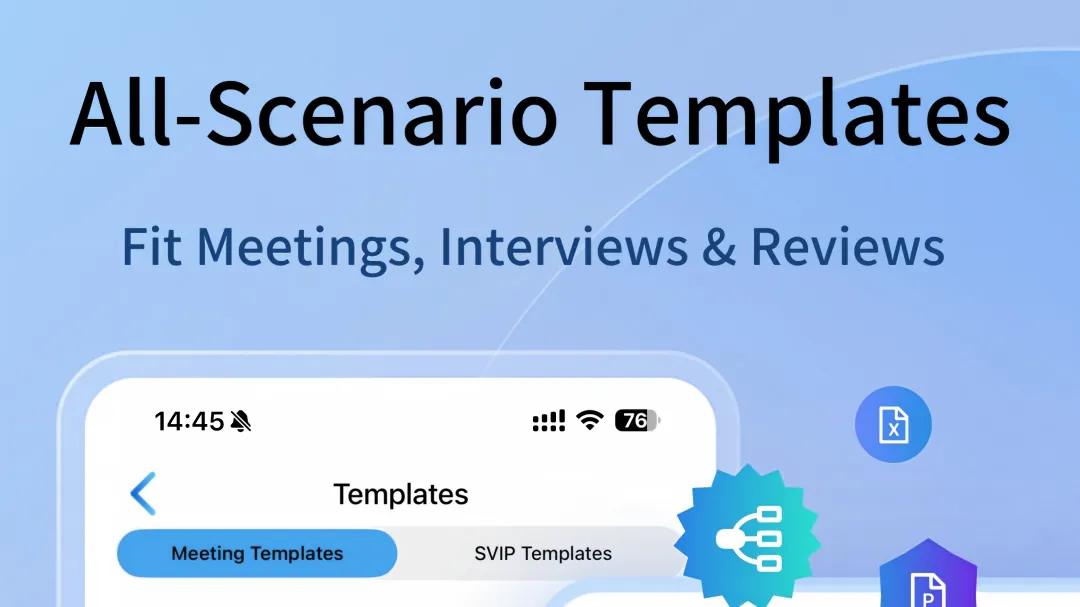
PC terminals are more applicable for post-meeting content refinement and multi-dimensional output. Users can edit transcribed texts in full, and quickly generate standardized meeting documents through more than 50 industry templates covering medical, legal and interview fields. The platform also supports one-click generation of PPT, Excel and mind map files to realize structured sorting of meeting content.
Practical Cross-device Auxiliary Functions
The audio playback speed adjustment function is uniformly adapted for mobile and PC terminals. Users can adjust the playback rate according to speech speed and content importance to clarify fast-spoken interview content and focus on key discussion segments.
Real-time marking and note-taking functions run through the whole recording process. Key dialogues can be marked at any time during recording, and text notes can be inserted synchronously. All marked content and notes are bound to the corresponding audio timeline, supporting fast positioning and retrieval in subsequent PC sorting work.
The system supports multi-form content import and parsing. It is compatible with 9 mainstream audio formats and 13 mainstream video formats, and can extract audio content from 17 mainstream short video platform links. Mobile terminal import and PC terminal secondary processing form a complete content processing closed loop.
Efficient Information Retrieval and Sorting Logic
Cross-terminal integrated search breaks the limitation of single text retrieval. The system can traverse transcribed texts, audio files, marked fragments and matching picture materials, and support dual-dimensional query by time and keyword. Daily meeting content can be quickly located through the built-in calendar viewing function.
Long audio automatic chapter division optimizes the viewing efficiency of ultra-long meeting records. The system intelligently divides content chapters according to meeting discussion topics, avoiding repeated dragging of progress bars. Combined with the speaker recognition function, it can independently display the dialogue content of a single speaker or compare multiple speakers’ viewpoints.
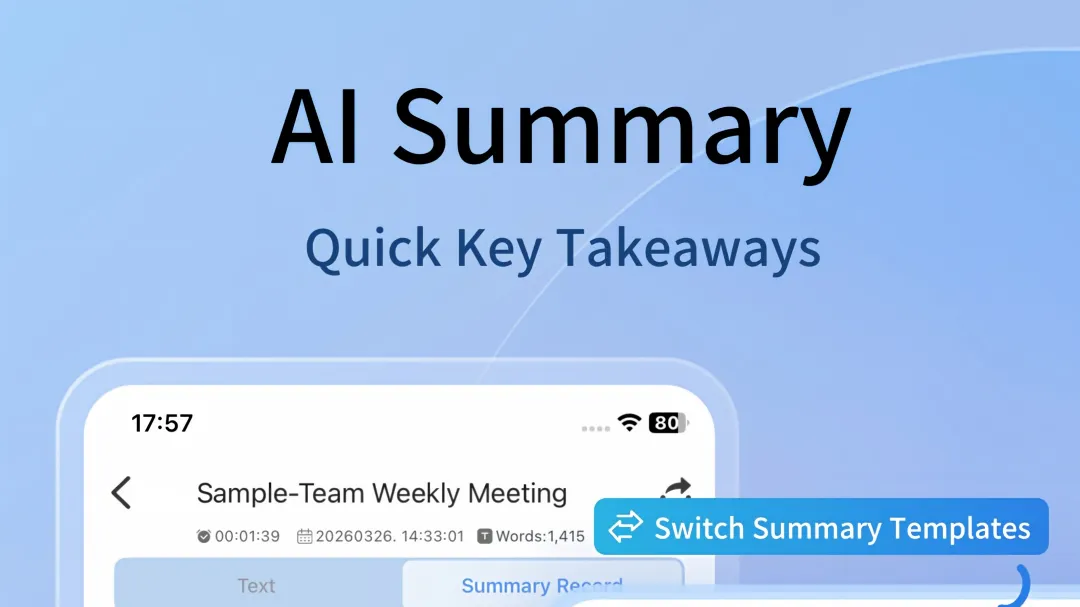
Intelligent content aggregation further simplifies post-meeting sorting. The system automatically summarizes weekly recorded and imported audio content to extract key events and core viewpoints, realizing automated sorting of daily office data. The graphic summary function also intuitively presents the core framework of meetings, reducing the workload of manual content combing.
Matching the portable collection advantage of mobile phones and the refined processing capability of PCs can maximize the practical value of meeting apps. Clear division of device scenarios and full utilization of cross-terminal synchronization and intelligent sorting functions can effectively solve the problems of incomplete recording, scattered data and cumbersome post-meeting sorting in daily meeting work.
Responses
Join the conversation
Sign in to share your thoughts and interact with the author.
Sign In to Comment