Native iPhone Screen Recording Transcription Capabilities
Stock iPhone screen recording functionality does not include built-in transcription features. When users capture video meetings, online courses, live streams, or virtual training sessions via the iOS native screen recorder, the output file is a standard video format with embedded audio tracks, with no auto-generated text content attached.
iOS offers native audio transcription tools for standalone voice recordings through the Voice Memos app. This built-in feature supports text conversion for pure audio files on iPhone 12 and newer models, covering over ten mainstream languages including English, Spanish, and Chinese. The functionality is region-locked and unavailable in partial global areas, and it cannot directly process audio extracted from iPhone screen recording videos.
Live Caption, another native iOS accessibility feature, delivers real-time on-screen text for system audio during playback. It generates temporary on-device captions for playing screen recordings but fails to save editable, searchable text files, and the caption content cannot be exported or archived for subsequent office sorting.
Feasibility of Transcribing iPhone Screen Recordings via Third-Party Tools
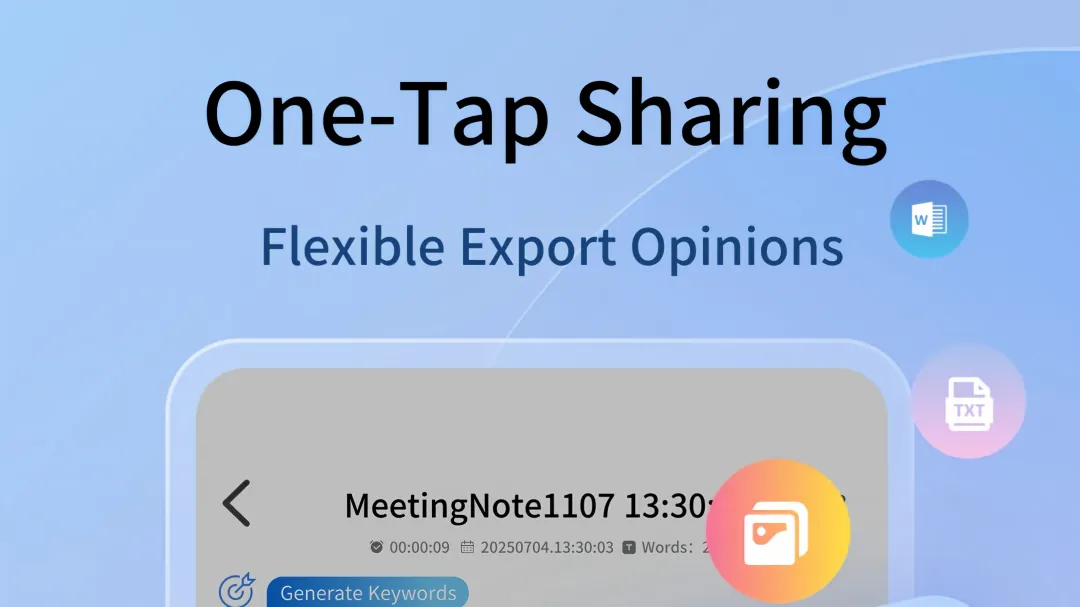
All iPhone screen recording files can be transcribed into editable text with professional audio-to-text tools. The core logic lies in extracting audio tracks from recorded video files and executing AI speech recognition conversion, which adapts to most daily and workplace recording scenarios.
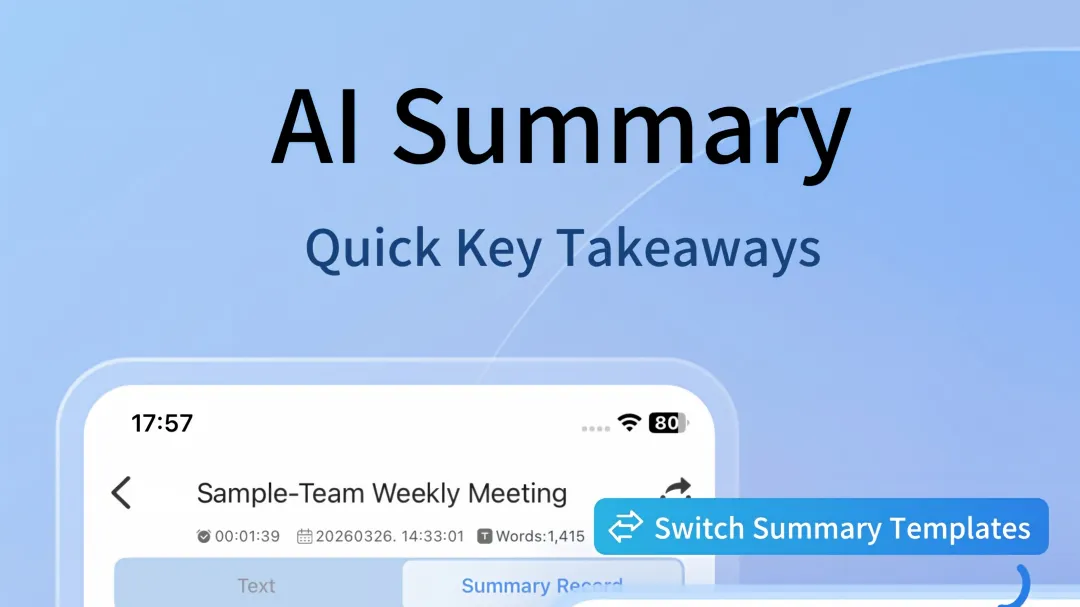
Taking Meetingminutes APP as an example, professional office transcription tools support direct import of iPhone screen recording video files for text conversion. These tools resolve the core limitation of native iOS functions, enabling complete text precipitation of various screen-recorded audio content including remote team meetings, online academic courses, and industry live sharing sessions.
Standard English monologue scenarios achieve a transcription accuracy rate of 98% with professional tools. The built-in AI algorithm automatically filters redundant modal particles, repeated sentences, and subtle background noise, producing tidy text drafts that require minimal manual modification. For multi-person dialogue scenarios in screen recordings, intelligent voiceprint recognition can tag different speakers sequentially, with accurate differentiation of up to 6 participants in a single recording session.
Scenario Adaptability of Screen Recording Transcription
Screen recording transcription forms a core auxiliary capability for modern workplace information sorting. In remote office environments, massive video meeting screen recordings occupy large device storage and cannot support quick content retrieval. Converting these recordings into searchable text files drastically improves the efficiency of reviewing meeting viewpoints and sorting work priorities.
For long-duration learning and training scenarios, screen recordings of all-day online seminars and serial professional courses can be converted into complete text archives. The automatic chapter division function of professional tools sorts long text content by dialogue logic, avoiding repeated playback of long video files to locate key information.
The technology also adapts to multilingual and complex pronunciation scenarios. Mature transcription systems support 52 global languages and native accent recognition, covering cross-border team meetings and overseas online course recording transcription needs. Partial tools integrate dialect recognition capabilities to adapt to non-standard pronunciation dialogue content in daily workplace communication.
Responses
Join the conversation
Sign in to share your thoughts and interact with the author.
Sign In to Comment