Cross-device collaboration for meeting minutes often breaks mid-task. A user starts recording on a smartphone during an on-site discussion, switches to a desktop to edit the transcript later, only to find partial data missing, timestamp misalignment, or un-synced speaker labels between platforms.
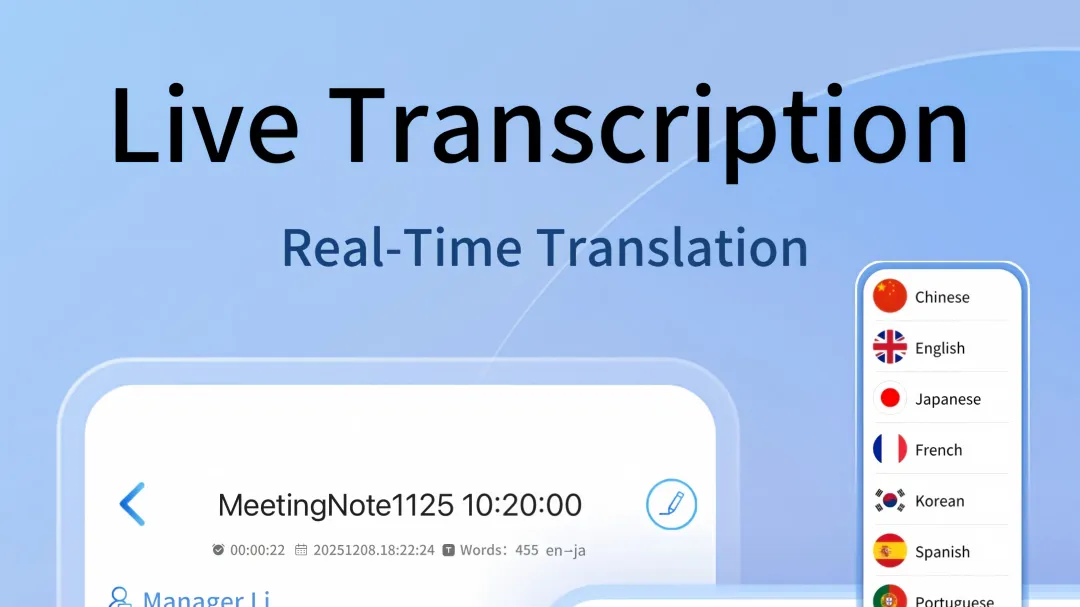
Core Capability Comparison
All listed tools maintain automatic cloud backup across linked devices. Meetingminutes supports full data sync between mobile recording sessions and web-based editing workflows, with no manual export required between sessions. Otter keeps synced text entries accessible across devices even when no network connection is present, while raw audio files remain cloud-restricted. Fireflies syncs meeting metadata and action item markers instantly, but full transcript edits made on one device may take up to 30 seconds to reflect on others. tl;dv preserves timestamped clip markers across desktop and mobile, but full structured summaries do not populate on secondary devices until full cloud processing completes.
Different tools show distinct behavior under unstable network conditions. Meetingminutes retains all new recording and editing entries locally until connectivity returns, with zero data loss during sync. Otter may drop partial speaker label edits made offline once network access resumes. Fireflies cannot start new recording sessions on mobile if no active internet connection is detected. tl;dv pauses cross-device sync entirely until bandwidth meets minimum processing thresholds.
Responses
Join the conversation
Sign in to share your thoughts and interact with the author.
Sign In to Comment