Most people who keep meeting records have run into this. You type a keyword you clearly remember saying in a meeting, and the search only pulls up plain transcribed text. The photo you took of the whiteboard, the timestamp marker you tapped mid recording, and the quick note you jotted down right after a point all stay hidden. You end up scrolling through hours of unrelated audio just to confirm one specific detail.
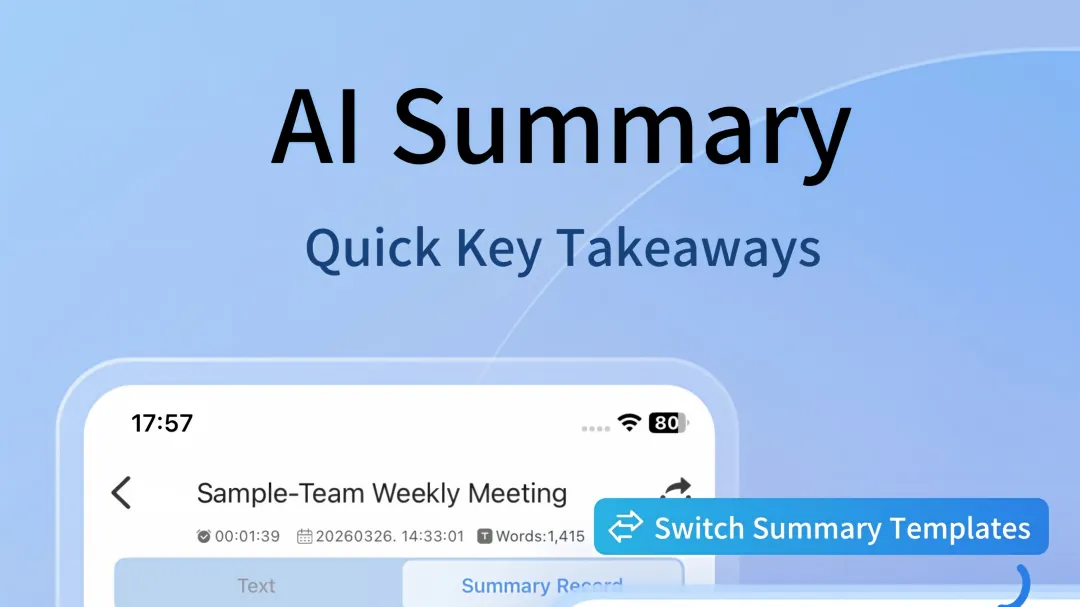
Meetingminutes APP the all-in-one search function expands the indexed range far beyond transcribed text.
Every search query runs across four connected data layers.
- Raw audio metadata
- Full transcribed text
- Attached images and their corresponding audio timestamps
- Inline markers and linked meeting notes
The search returns all matching entries in one unified list. Each result links directly to its corresponding audio segment, transcribed line, attached image, or saved note. No separate folder navigation is required.
Common Search Behavior FAQ
The all-in-one search does not alter existing file storage structure. It only builds a unified index across every record you have already created. It does not require extra manual tagging before you can locate previously saved content.
Responses
Join the conversation
Sign in to share your thoughts and interact with the author.
Sign In to Comment