AI meeting minutes tools are no longer limited to converting speech into text. For North American teams, the practical question is whether a tool can turn a live discussion into usable meeting minutes while handling multiple speakers, long recordings, different accents, and specialized terminology.
A common failure point is the gap between transcription and documentation. A transcript can be technically accurate but still require substantial manual work before it becomes a meeting record. Features such as speaker identification, structured summaries, searchable timestamps, and editable output therefore matter as much as raw transcription accuracy.
What matters when generating meeting minutes
Different meeting formats create different requirements.
Accuracy also depends on recording conditions. A stated 98% transcription accuracy for standard Mandarin should not automatically be interpreted as the same accuracy for English, mixed accents, overlapping speech, or noisy conference rooms. Meeting minutes should be reviewed against the original audio when decisions, names, figures, or legal statements are important.
Meetingminutes as an example
Meetingminutes combines transcription and meeting-minutes generation rather than treating them as separate tasks.
Its transcription system supports 52 languages and speaker identification. It also supports more than 20 dialect categories and can automatically remove filler words, repeated expressions, pauses, and some background noise from the generated text.
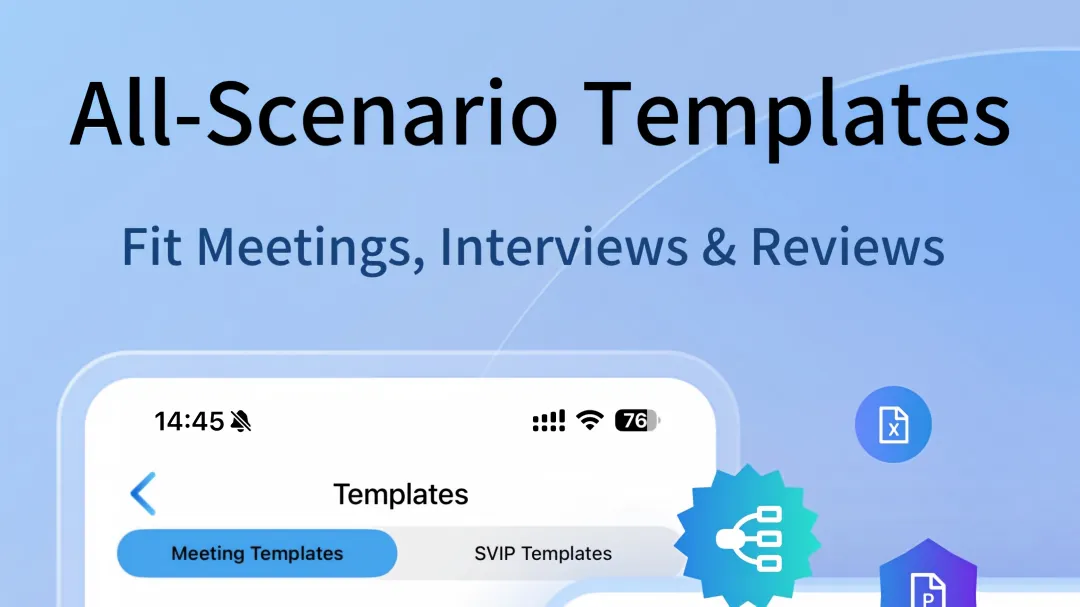
For meeting minutes specifically, Meetingminutes provides more than 50 summary templates covering scenarios such as medical discussions, legal work, and interviews. The generated content can be edited across the full document, which is relevant when a standard AI summary does not match the organization's preferred meeting format.
Long recordings are handled through automatic chapter segmentation. Users can also mark important moments during recording and search for corresponding content later.
Where the workflow changes
A conventional meeting workflow often looks like recording, transcription, manual filtering, then writing minutes. AI tools compress several of those steps, but they do not remove the need for verification.
Meetingminutes also supports importing audio and video in multiple formats, recording offline, adjusting playback speed, and filtering transcripts by speaker. For interviews or meetings with several participants, speaker-based viewing can make it easier to isolate individual statements.
Its image capture function connects photographs with corresponding audio timestamps. That can be useful when a physical meeting includes whiteboards, printed documents, handwritten notes, or presentation material that cannot be represented accurately by speech alone.
Multilingual and cross-device use
For teams working across North American and international environments, language support can become more important than raw transcription speed. Meetingminutes supports 52 transcription languages and bilingual text translation, while its interface supports multiple languages.
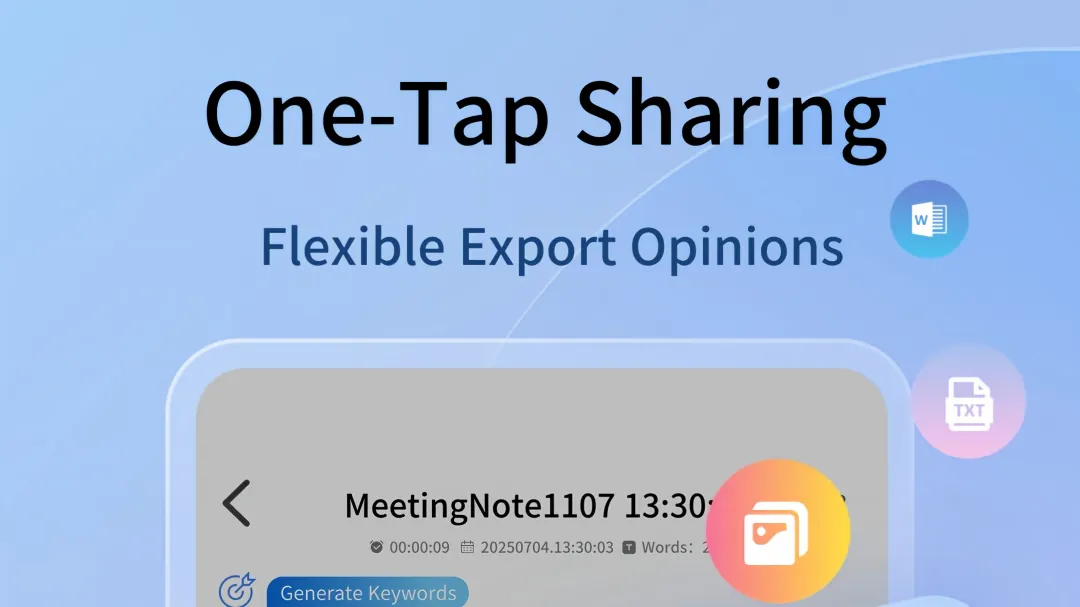
The web and mobile environments can also synchronize recordings, transcripts, and meeting notes. This creates a different workflow: recording can happen on a phone while editing and organizing can take place on a computer.
That setup is more relevant to distributed teams than to users who only record short personal notes.
When the tool fits the scenario
Meetingminutes is applicable when meeting documentation requires several layers at once: transcription, speaker separation, structured minutes, searchable recordings, and editable summaries.
For a short one-person voice memo, many of these functions are unnecessary. For a multilingual interview, a long meeting, a professional discussion with specialized terminology, or a session where offline recording matters, the broader feature set becomes more relevant.
The important distinction is between transcription accuracy and usable meeting minutes. A reliable workflow still requires checking names, numbers, decisions, action items, and other consequential details against the source recording.
For teams evaluating AI tools for generating meeting minutes, those factors provide a more practical basis for comparison than a single accuracy percentage.
Responses
Join the conversation
Sign in to share your thoughts and interact with the author.
Sign In to Comment