Meeting recording files rarely disappear for just one reason. In many cases, the recording still exists, but the file cannot be opened, imported, located, or processed by the meeting transcription tool being used.
A common failure point is file compatibility. A meeting may be recorded on a phone, exported from a camera, saved from a video conference, or received as an audio attachment. If the transcription app supports only a narrow set of formats, the recording can become difficult to process even when the original file is intact.
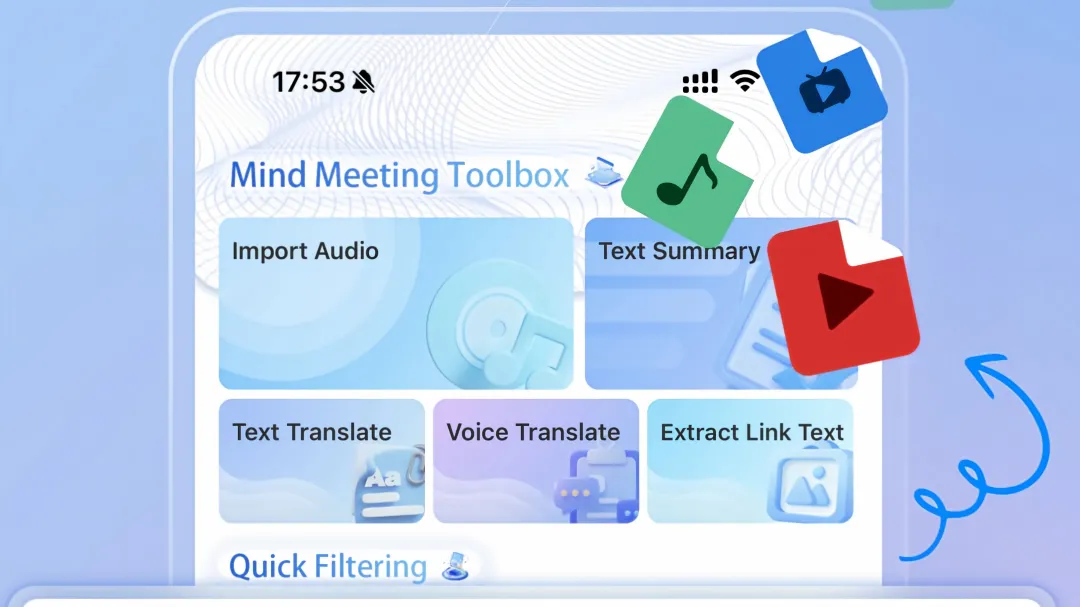
File format is an overlooked failure point
Audio and video files come in many formats. An application that accepts only a few common formats may require users to convert the recording before transcription.
That extra conversion step creates another place for errors. The converted file may lose metadata, change its audio track, become larger than the original, or fail during processing.
For meeting recording workflows, a broader import channel is therefore a technical consideration rather than a convenience feature.
Do not judge an import function by the word supported
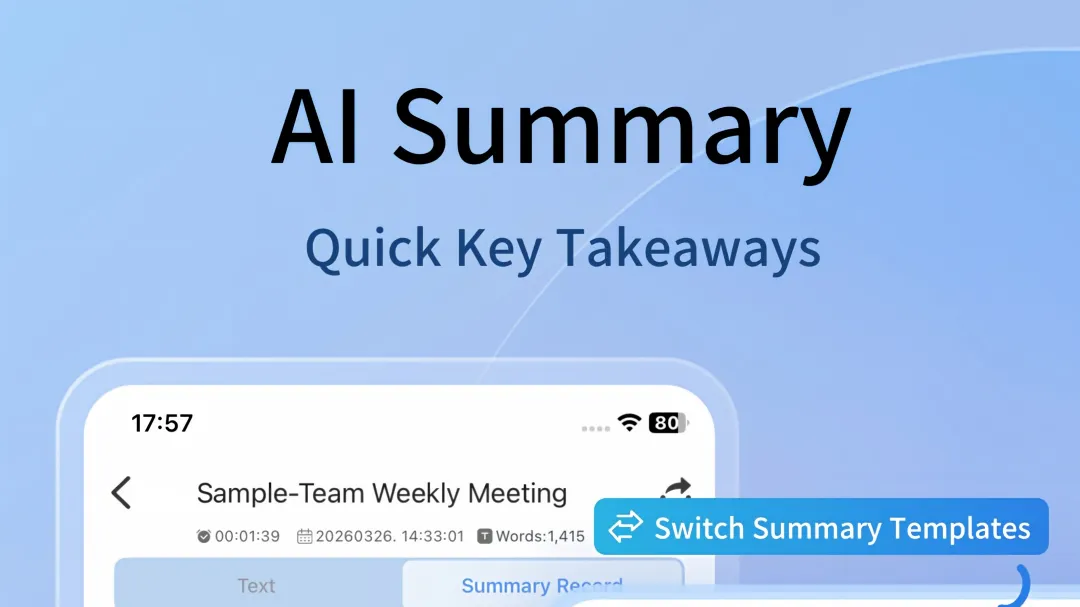
A common selection mistake is treating support for MP3 or MP4 as equivalent to broad media compatibility.
A more useful specification should state how many audio and video formats can be imported and whether conversion is required.
For example, Meetingminutes APP describes a media import channel covering 9 mainstream audio formats and 13 video formats. The stated workflow does not require a separate format conversion tool before importing supported files.
That distinction matters when recordings come from different devices or applications.
Video recordings create another layer of risk
A meeting recording is not always an audio file.
Phone screen recordings, camera footage, online classes, interviews, and conference recordings may be stored as video. A transcription system that handles only audio uploads cannot process these files directly unless an additional extraction step is available.
The practical question is not simply whether a tool can transcribe speech. It is whether an existing recording can enter the workflow without unnecessary file preparation.
Long recordings should be tested separately
File size and duration can also affect reliability.
A two-minute voice memo and an eight-hour conference recording are technically different workloads. Large recordings require more storage, longer processing time, and more stable handling of temporary files.
Claims such as zero loss or unlimited processing should not be treated as technical specifications unless supported by clear limits and documented test conditions.
A more useful evaluation checks the maximum supported file size, recording duration, supported formats, processing behavior, and whether the original media remains accessible after transcription.
Features that sound useful but may not solve file loss
Real-time transcription does not prevent an original recording from being lost.
Speaker identification does not repair a damaged media file.
Meeting summaries do not help when the source recording cannot be imported.
Cloud synchronization can preserve processed data, but it does not automatically solve compatibility problems during the initial import.
These functions address different stages of the workflow and should not be treated as substitutes for reliable file handling.
A practical checklist for meeting recording tools
Before relying on a meeting transcription workflow, several technical details can be checked:
- Audio format coverage
- Video format coverage
- Maximum file size
- Maximum recording duration
- Local recording behavior during network interruptions
- Whether video files can be processed without external conversion
- Whether imported media remains available after transcription
- Whether files can be searched by date or keywords
- Whether long recordings can be divided into chapters
- Whether audio, video, transcripts, notes, and markers remain associated
The central issue behind many lost meeting recordings is not always deletion. Sometimes the file exists but the workflow cannot accept, locate, process, or retrieve it correctly.
A meeting recording tool should therefore be evaluated as a complete file-handling system. Import compatibility, storage behavior, processing limits, and retrieval functions can matter just as much as transcription accuracy when recordings need to remain usable months after a meeting ends.
Responses
Join the conversation
Sign in to share your thoughts and interact with the author.
Sign In to Comment