Interview audio recordings often contain dense dialogue, fast-spoken responses, and lengthy conversational segments. Many iPhone users encounter playback hurdles when reviewing interview files: standard playback speed can feel too slow for routine content review, while unregulated fast speed blurs key verbal details and speaker intonations. Flexible interview playback speed adjustment solves this problem, letting users match audio speed to their content review rhythm and work demands.
Common Job Scenarios Needing Interview Playback Speed Adjustment
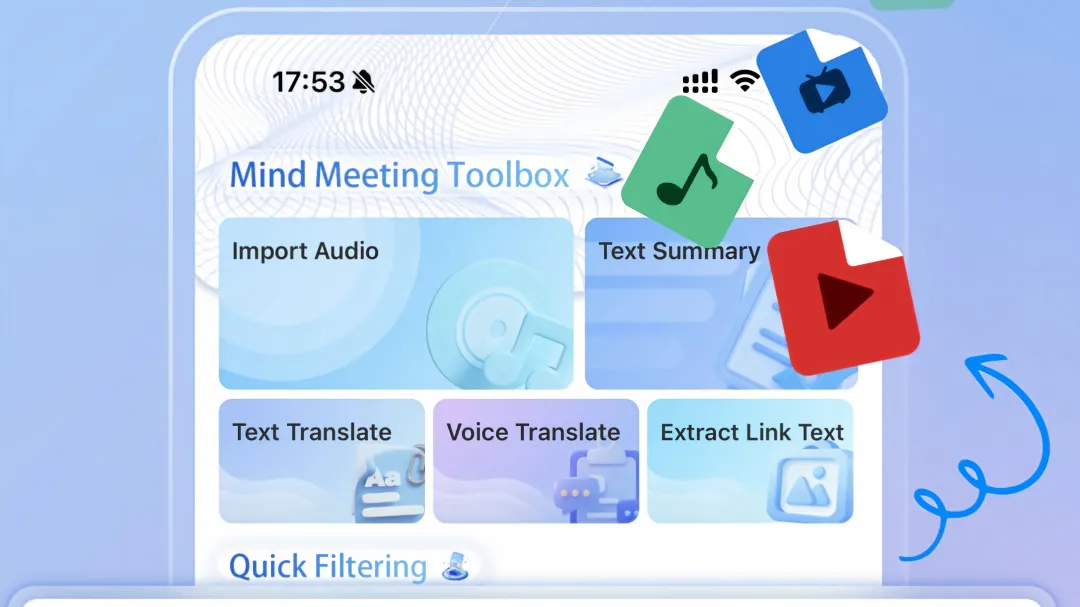
Multiple professional roles require frequent interview audio review with customized playback speeds. Recruiters sort through dozens of candidate interview recordings daily, adjusting speed to skim through routine self-introduction segments and slow down for core competency and job expectation answers.
Journalists and field researchers rely on recorded interviews for content creation. They slow playback speed to capture every accurate detail of on-site conversations and speed up redundant filler segments to streamline content sorting.
HR specialists and corporate talent analysts use adjusted playback speeds to review structured interview recordings efficiently, balancing comprehensive information collection and time cost control during batch interview audits.
Adjust Interview Playback Speed via iPhone Native Voice Memos
iPhone’s built-in Voice Memos app natively supports playback speed tuning for local interview recordings, covering most daily interview audio review needs without extra auxiliary tools.
Open the Voice Memos app and locate the saved interview audio file in the recording list. Tap the target interview recording to enter the playback page, then tap the edit icon on the screen to access audio adjustment settings.
A speed adjustment slider appears on the settings panel, marked with tortoise and rabbit icons to indicate slow and fast playback directions respectively. Dragging the slider left reduces playback speed for detailed segment analysis, while dragging right accelerates playback for quick content browsing.
The native speed adjustment ranges cover low-speed meticulous review and high-speed quick scanning. All adjustments only affect real-time playback status and will not alter the original interview audio file parameters or recording quality.
Adjust Interview Playback Speed with Third-Party Audio Tools
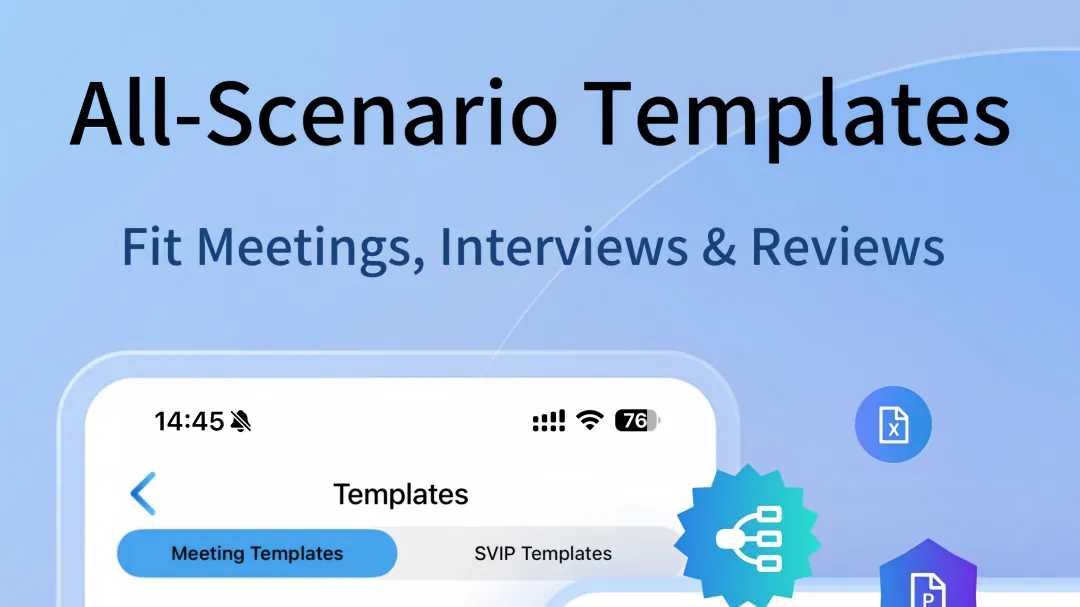
For users who store interview recordings in professional audio apps, speed adjustment operations follow similar logical rules with richer speed gear options. Taking Meetingminutes APP as an example, imported interview audio files support precise playback speed customization.
After opening the target interview audio in the app’s file list, enter the playback interface to view the dedicated speed control button. The system provides multi-level fixed speed gears and fine-tuning sliding control, supporting incremental speed adjustment for accurate rhythm matching.
This mode adapts to long-form in-depth interviews lasting more than one hour. Variable speed playback allows users to focus on key dialogue segments at low speed and skip repetitive descriptive content at higher speeds during continuous review.
Applicable and Inapplicable Scenarios for Speed Adjustment
Playback speed adjustment is suitable for structured job interviews, candidate screening interviews, and themed research interviews with complete dialogue logic and clear speaker voices. Tunable speed playback improves the efficiency of content sorting, transcript verification, and key information extraction.
The feature fits batch processing work scenarios where users need to review multiple interview recordings within a limited time. Adjustable speed settings reduce invalid listening time while retaining valid interview information.
Speed adjustment is not recommended for ambiguous interview audio with background noise, overlapping voices, or unclear pronunciation. Excessively fast playback will further reduce speech recognizability, and ultra-slow playback cannot optimize blurred audio details.
It is also unsuitable for legal and medical industry interview scenarios that require full-precision audio verification. Fixed standard playback speed ensures zero omission and zero distortion of professional dialogue content.
Customizing interview playback speed on iPhone delivers targeted optimization for professional audio review work. Native system functions meet basic daily adjustment needs, while professional audio tools offer more refined speed control for long and complex interview recordings. Matching playback speed to interview content attributes and job requirements stabilizes the accuracy and efficiency of post-interview content collation across different professional scenarios.
Responses
Join the conversation
Sign in to share your thoughts and interact with the author.
Sign In to Comment