Red Hat OpenShift DO280 Training: A Beginner’s Guide to Administration
Red Hat OpenShift is an enterprise platform built around Kubernetes. It helps teams deploy, manage, and scale containerized applications. Learning OpenShift administration can help IT students, Linux administrators, and aspiring DevOps professionals understand modern cloud-native technologies.
This beginner’s guide introduces OpenShift DO280 training concepts, key administration skills, and ways to practice in a lab environment.
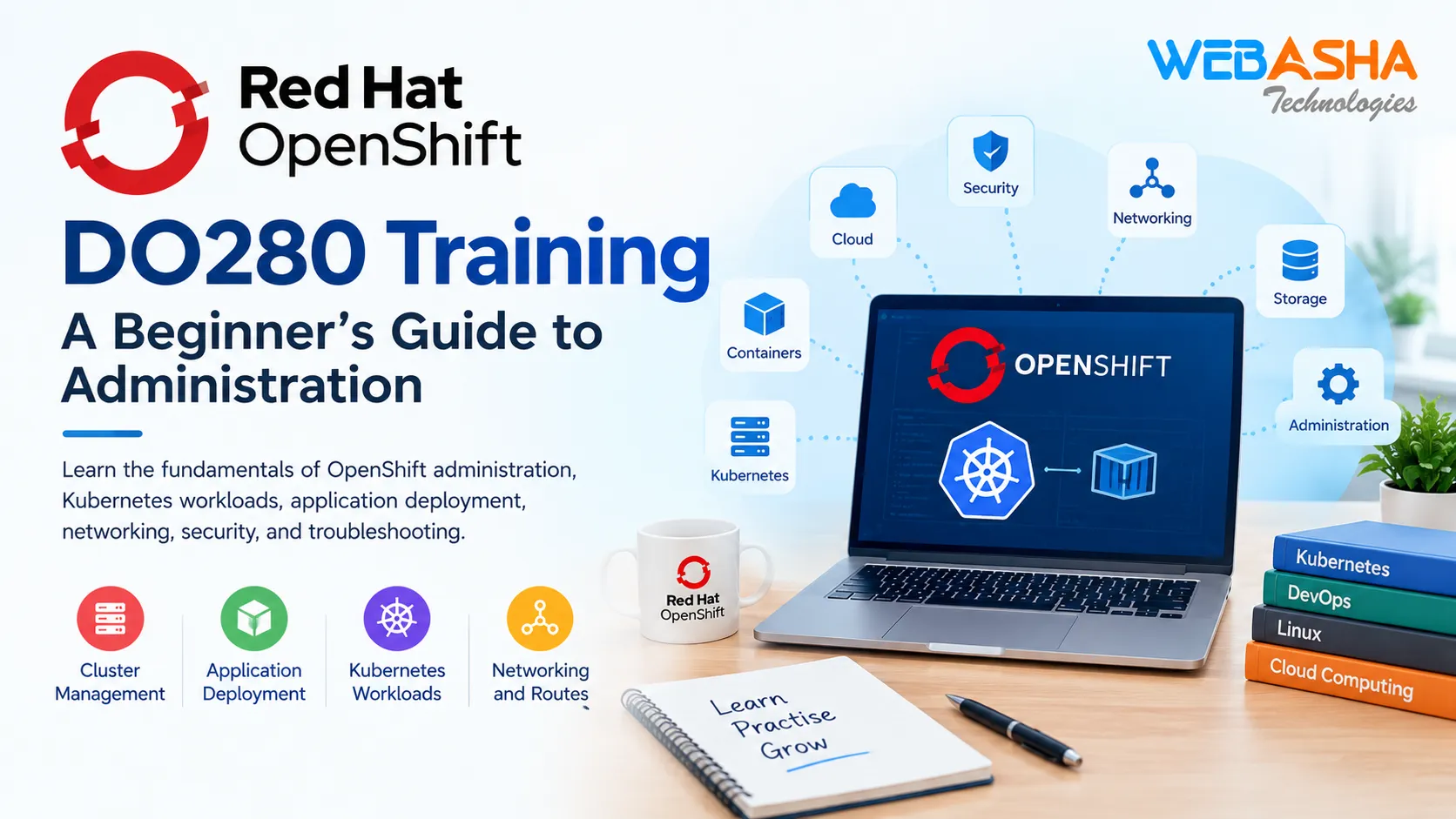
What Is Red Hat OpenShift DO280?
DO280 is associated with Red Hat OpenShift administration training. It focuses on concepts and tasks involved in managing OpenShift clusters and application resources.
Learners explore topics such as workload management, application deployment, networking, storage, access control, and troubleshooting. Course objectives can change, so check the current official Red Hat course information before preparing for training or certification.
Why Learn OpenShift Administration?
OpenShift combines Kubernetes workload management with tools for running applications in an enterprise environment.
Learning OpenShift can help you:
- Understand how containerized applications run.
- Manage projects and application resources.
- Deploy and update applications.
- Configure application connectivity.
- Learn basic storage and security concepts.
- Investigate common application problems.
These skills can support further learning in Linux administration, Kubernetes, cloud computing, and DevOps.
Key Topics in OpenShift DO280 Training
1. OpenShift Architecture
Start by understanding clusters, nodes, projects, and the resources that support applications. These concepts explain how workloads run and how resources are organized.
2. Pods and Deployments
A pod is the smallest deployable unit in Kubernetes. It runs one or more containers. Deployments help manage application replicas and updates.
Understanding pods and deployments is essential for learning how applications run on OpenShift.
3. Application Deployment
Application deployment involves creating the resources required to run an application. Administrators can check deployment status, monitor rollouts, and investigate failed deployments.
Practice deploying a sample application in a suitable lab environment.
4. Networking and Routes
Services provide stable access to application workloads. OpenShift routes can expose services to users outside the cluster.
Learning these concepts helps you understand application connectivity and troubleshoot access problems.
5. Storage Management
Applications may need to retain data when pods are replaced. Persistent volumes and persistent volume claims help provide storage for applications that require durable data.
6. Security and Access Control
Role-based access control (RBAC) manages which users can access resources and perform actions. Service accounts support applications and automated processes.
Administrators should follow the principle of least privilege by granting only the permissions required.
7. Troubleshooting
Troubleshooting is an important administration skill. You can investigate problems by checking resource status, events, logs, and deployment conditions.
Useful OpenShift CLI commands include:
oc get pods— lists pods in the current project.oc get deployments— lists deployments.oc describe pod POD_NAME— displays details about a pod.oc logs POD_NAME— displays logs from a pod.oc get events— lists recent events in the current namespace.
Replace POD_NAME with the actual pod name. These commands require access to a cluster and suitable permissions.
How Beginners Can Prepare for OpenShift DO280
Follow a step-by-step learning path:
- Learn Linux commands and file permissions.
- Understand containers and Kubernetes fundamentals.
- Explore OpenShift projects, pods, and deployments.
- Practice deploying a sample application.
- Learn services, routes, and persistent storage.
- Review access control and security basics.
- Practice troubleshooting with logs and events.
Use an authorized lab environment and consult current official documentation when practicing commands.
Explore OpenShift Training
If you want to explore structured OpenShift administration training, review the Red Hat OpenShift training course from WebAsha Technologies.
You can also visit the WebAsha Technologies website for additional IT learning resources.
Conclusion
Red Hat OpenShift DO280 training introduces important concepts for administering OpenShift environments. By learning cluster resources, workloads, deployment, networking, storage, security, and troubleshooting, beginners can build a foundation in cloud-native application administration.
Combine technical reading with hands-on practice to improve your understanding and prepare for more advanced OpenShift topics.
Responses
Join the conversation
Sign in to share your thoughts and interact with the author.
Sign In to Comment