
Every online store owner looks forward to high-traffic promotional events seasonal clearances, festive sales, and special holiday promotions. You invest in marketing campaigns, hundreds of shoppers arrive with intent to buy, and products quickly fill up shopping carts.
Then, right at the most critical moment, the checkout process freezes.
Shoppers click "Complete Order" and watch a loading spinner for half a minute before landing on a gateway error page or an incomplete transaction notice. Frustrated visitors abandon their carts, and marketing spend goes to waste.
When technical teams inspect server monitors during such an outage, they are often met with a puzzling picture: the processor shows comfortable usage around 35 to 45 percent, and system memory appears to have plenty of headroom.
Why does an e-commerce checkout fail when the server appears to have plenty of idle capacity?
The root problem rarely lies in your front-end design or payment gateway. Instead, it is almost always caused by storage queue saturation on shared virtual servers.
The Big Difference Between Browsing and Buying
To understand why shared hosting chokes during sales surges, it helps to examine the difference between a visitor browsing your catalog and a customer checking out.
Browsing an online store is primarily a reading operation. Category pages, product photos, and descriptions can be cached in server memory or distributed through content delivery networks. When a visitor scrolls through your products, your database often barely has to do any work at all.
Completing a purchase is completely different. A single order requires multiple immediate, simultaneous database write operations:
- Checking inventory numbers and temporarily locking stock rows so two people cannot purchase the same last item.
- Creating new order records and line-item details.
- Saving customer billing addresses, shipping methods, and contact information.
- Recording transaction tokens and sending status updates to payment providers.
- Writing every change to disk to ensure no financial record is lost during a sudden reboot.
When five people buy products over the course of an hour, a standard virtual private server (VPS) processes these writes without hesitation. But when a flash promotion brings two hundred buyers into the checkout funnel within sixty seconds, the demand on the storage subsystem multiplies rapidly.
The Virtual Storage Bottleneck Explained
On a standard VPS, your website does not talk directly to dedicated physical storage drives. Instead, your storage is carved out of a shared pool or network-attached storage array.
This means your virtual server shares the underlying drive controllers and data channels with dozens of other virtual machines hosted on the same physical equipment.
When your database tries to save dozens of customer orders in the same second, each write request must wait for confirmation from the shared storage controller. In hosting terms, this creates storage I/O wait.
Your server processor is not overwhelmed with calculations; it is simply forced to sit idle, waiting for the shared disk system to acknowledge each pending transaction. Because each transaction holds a lock on product tables until it finishes writing to disk, subsequent buyers are forced into a growing queue. Within moments, the web server runs out of connection slots, and shoppers receive timeout errors.
Why Caching Alone Cannot Rescue a Stalling Checkout
When online stores first encounter performance hiccups, basic tuning can certainly help. Following established guidelines to optimize VPS for WooCommerce by setting up object caching, cleaning up orphaned database transients, and streamlining background tasks is a sensible starting point for modest catalogs with steady traffic.
However, software tuning eventually hits a hard physical ceiling.
Caching tools like Redis or Memcached can store product details and category menus, but they cannot bypass transactional checkouts. Every completed purchase must write directly and permanently to the relational database. When the shared storage layer cannot keep up with those writes, spawning additional web server processes only makes the problem worse—creating more waiting threads that consume system memory until the server freezes entirely.
How Dedicated Hardware Eliminates Checkout Freezes
A dedicated bare-metal server removes the shared storage bottleneck completely:
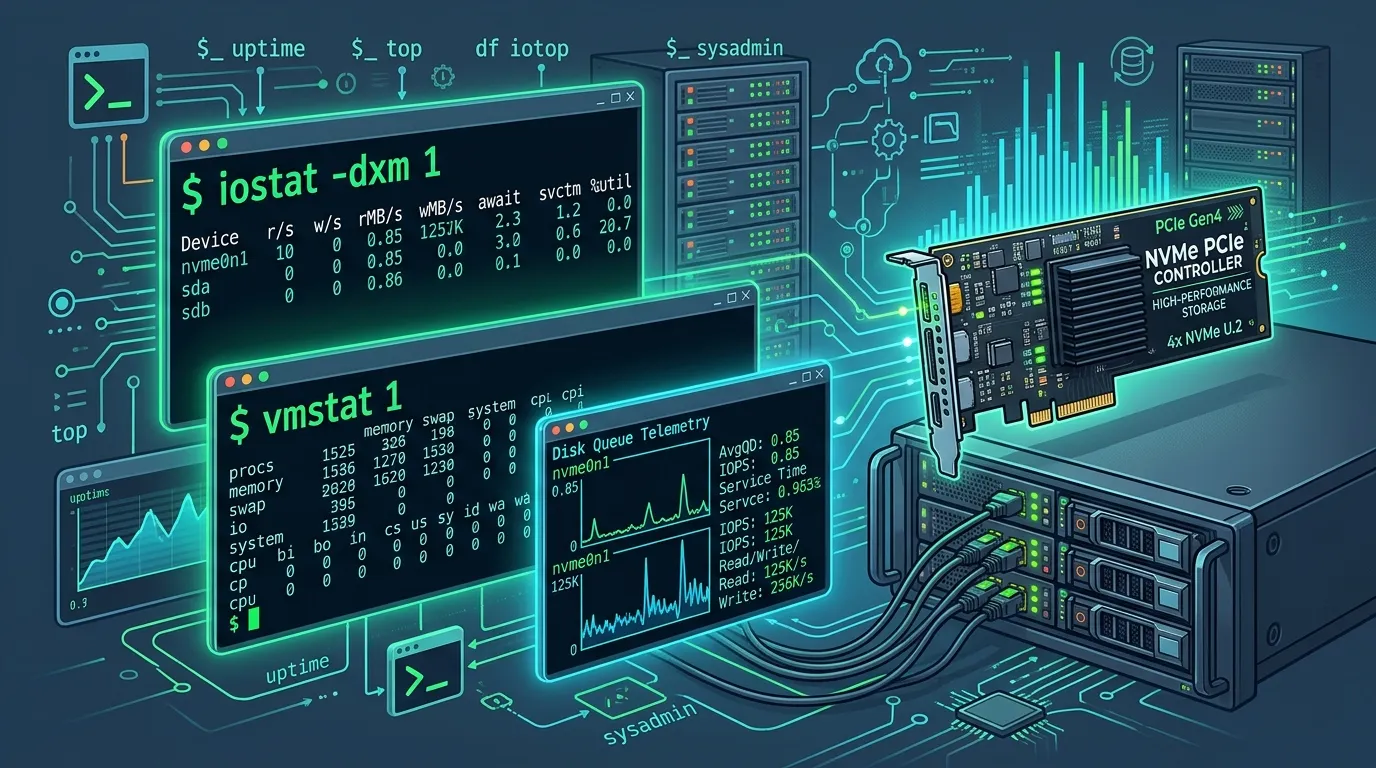
- Direct PCIe Drive Access: Dedicated enterprise NVMe drives connect directly to the server motherboard. With write operations completing in small fractions of a millisecond, database locks clear almost instantly, allowing transactions to flow without queuing up.
- Generous Dedicated Memory: A dedicated machine with 64GB or 128GB of RAM allows you to allocate the majority of system memory directly to the database. This keeps active inventory tables, customer sessions, and index trees in fast memory rather than repeatedly reading and writing to disk.
- Complete Hardware Isolation: On shared hosting, an unrelated business running a heavy database backup on the same host can degrade your disk access. On dedicated hardware, one hundred percent of processor speed, memory bandwidth, and drive throughput belongs exclusively to your business.
Key Signs Your Store Has Outgrown Virtual Hosting
Recognizing the warning signs your store has outgrown VPS hosting allows business owners to transition to reliable hardware before a major promotional launch ends in lost revenue and customer frustration.
Consider making the switch if your store displays any of these symptoms:
- Checkout delays during marketing promotions: If catalog browsing is fast but payment confirmation spinners take longer than five seconds during busy hours, your storage layer is saturated.
- Persistent gateway timeouts: Receiving random 504 Gateway Timeout alerts during sales events, even when your processor dashboard indicates plenty of free capacity.
- Upgrading your VPS tier yields no real improvement: Adding more virtual processor cores to a shared host rarely fixes checkout bottlenecks because the underlying physical drive controller remains congested.
- Expanding product variations: Managing thousands of product SKUs with real-time stock tracking creates heavy database locking that requires immediate physical drive access.
Summary
In e-commerce, marketing brings shoppers through the door, but server infrastructure determines whether those visits turn into completed sales.
Virtual private servers offer a practical, budget-conscious foundation for testing concepts and running early-stage websites. But when your business relies on high-volume promotional events and seasonal flash sales, dedicated bare-metal hardware gives your checkout the speed, stability, and reliability required to capture every sale.
Responses (0)
Join the conversation
Sign in to share your thoughts and talk with the author.
Sign in to respondNo responses yet. Be the first to share your thoughts!