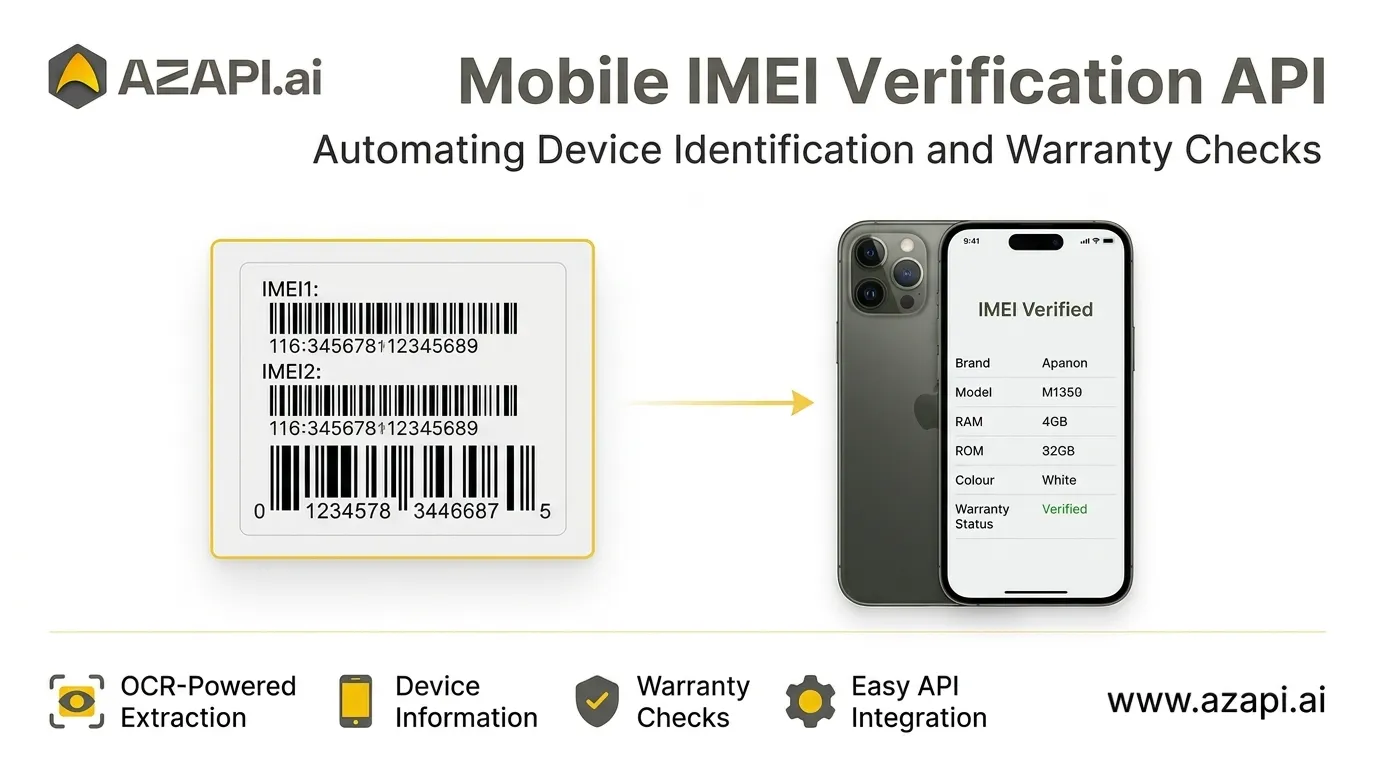

Mobile IMEI Verification API: Automating Device Identification and Warranty Checks
Introduction
Smartphones move through a complex supply chain before reaching the end customer. Retailers, distributors, repair centres, refurbished phone sellers, and warranty teams regularly need to identify devices and check their available warranty information. When these tasks depend on manual data entry and separate online portals, processing can become slow and repetitive.
A Mobile IMEI Verification API helps automate parts of this workflow by extracting device identifiers from images and retrieving available device information through an integrated process. Instead of manually copying numbers from phone boxes and entering them into verification portals, businesses can connect device information processing to their own applications and operational systems.
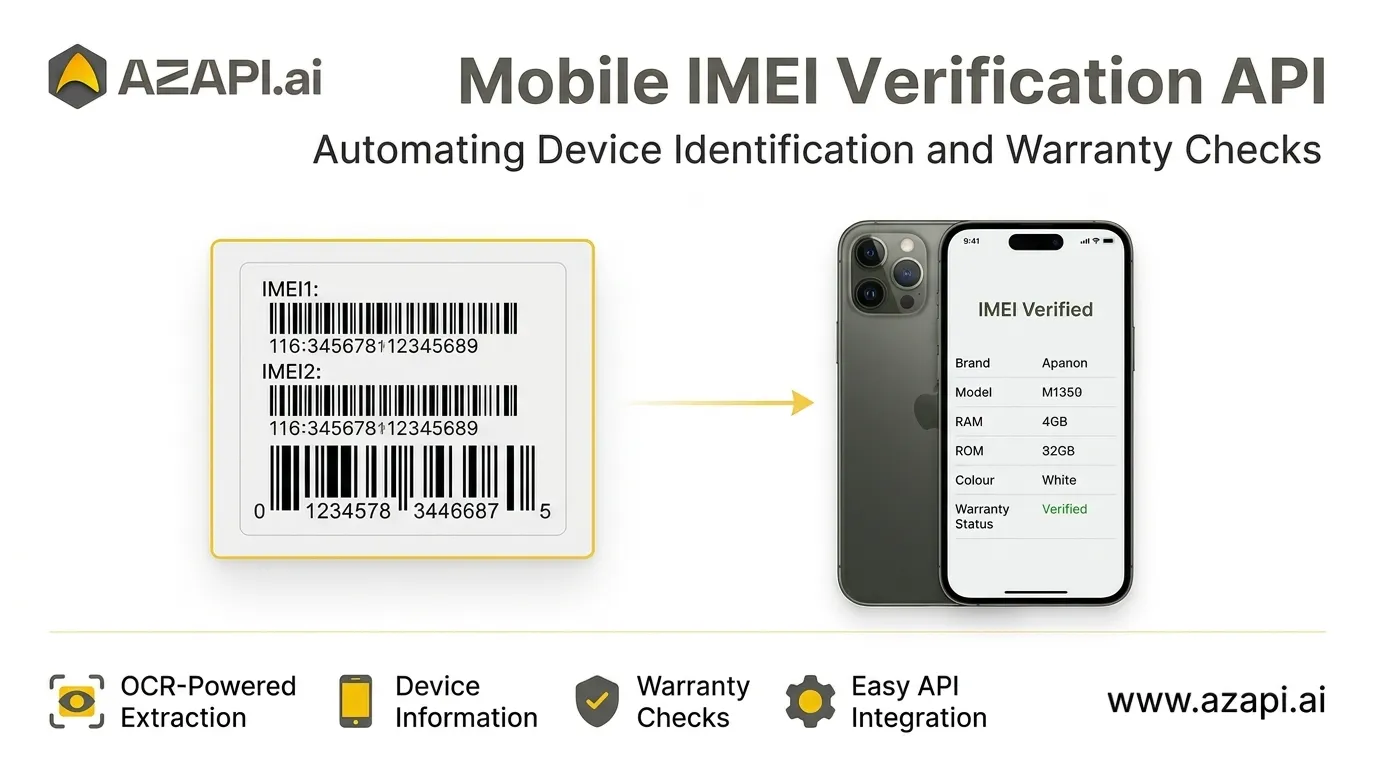
AZAPI.ai provides a Mobile IMEI Verification API that combines OCR-based extraction with device-information and warranty-check workflows. Depending on the available source data and supported verification portal, the solution can return details such as brand, model, IMEI numbers, RAM, ROM, colour, and warranty status.
This article explains how mobile IMEI verification works, why it matters, and how businesses can use API integration to improve device-handling workflows.
What Is a Mobile IMEI Verification API?
IMEI stands for International Mobile Equipment Identity. It is a device identifier associated with mobile equipment. Many smartphones support two SIM connections and may have two IMEI numbers, commonly referred to as IMEI1 and IMEI2.
A Mobile IMEI Verification API allows an application to automate parts of the process of capturing an IMEI and retrieving related device information. When a workflow starts with a phone-box image, Optical Character Recognition (OCR) can identify the printed IMEI number and convert it into digital text.
The extracted identifier can then be used in a supported device-information or warranty-check workflow. The response may include information such as the device brand, model, memory configuration, colour, and available warranty details.
This approach can help businesses reduce repetitive data entry and organise device records more efficiently. However, an IMEI lookup is not a complete guarantee of device authenticity, ownership, network status, or warranty eligibility. Those checks may require additional authoritative sources.
Why Businesses Need Automated IMEI Verification
Manual device verification can create operational challenges, especially when teams handle many smartphones every day.
1. Repetitive Data Entry
Staff may need to read an IMEI from a label, type it into a portal, wait for the result, and copy the returned details into a spreadsheet or business application. Repeating these steps across hundreds of devices consumes time and introduces opportunities for typing mistakes.
OCR-based extraction can reduce the need to enter long device identifiers manually.
2. Multiple Device Details
An IMEI alone may not provide every field a business needs. Teams may also need the device brand, model, RAM, ROM, colour, and warranty information. Collecting these details separately can make record management more complicated.
An integrated API workflow can help bring available information together in a structured response.
3. Inventory Management
Retailers and distributors often maintain device inventories across stores, warehouses, and sales channels. Consistent device identifiers and organised product details make it easier to create records, search inventory, and reconcile incoming and outgoing stock.
4. Warranty Enquiries
Customers frequently ask whether a smartphone is still covered by a manufacturer's warranty. Staff may need to consult an online portal or another supported information source to answer these questions.
Automated warranty-check workflows can reduce repetitive lookups and help teams access available information more efficiently.
How a Mobile IMEI Verification API Works
The workflow depends on the input format, the API integration, and the available verification source. A typical image-based process follows these steps:
Step 1: Submit a Phone-Box Image
The application sends an image containing the phone's printed device label to the OCR-enabled workflow. The image should be clear enough for the identifier and other printed fields to be read.
Step 2: Extract the IMEI
OCR identifies the printed text and extracts the IMEI number. Where supported, the process can also recognise IMEI1 and IMEI2 separately.
Step 3: Process the Identifier
The extracted number is passed to the relevant device-information or warranty-check process. Input validation can help detect missing or incorrectly formatted identifiers before further processing.
Step 4: Retrieve Available Information
The connected source may return supported details, such as brand, model, RAM, ROM, colour, or warranty status. The exact fields depend on the device, source availability, and supported integration.
Step 5: Use the Result in Your Application
The application can display the response to an employee, save it to an inventory record, or pass it to another authorised business workflow. Teams should validate the response and handle unavailable or inconsistent fields appropriately.
Key Information You May Retrieve
A Mobile IMEI Verification API can help collect several useful device fields when they are available from the supported source.
- IMEI1 and IMEI2: Device identifiers extracted from the label or returned by the lookup.
- Brand: The smartphone manufacturer or brand associated with the device.
- Model: The model information returned by the supported source.
- RAM: Available memory configuration information.
- ROM: Storage configuration information.
- Colour: The reported device colour.
- Warranty status: Warranty information returned by the connected verification source.
Not every field will necessarily be available for every device. Businesses should treat the API response as information to review, rather than assuming that all results are guaranteed or that every source provides identical coverage.
Practical Use Cases
Mobile Retail Stores
Retailers can use automated device identification to support stock intake, product record creation, and warranty enquiries. When a shipment arrives, staff may capture phone-box labels and use extracted identifiers to reduce manual entry.
Distributors and Wholesalers
Distributors handling large device volumes can integrate identifier extraction into receiving and dispatch workflows. Standardised records can help teams track products and investigate discrepancies between physical stock and inventory systems.
Refurbished Smartphone Businesses
Refurbished-device sellers often need organised records for devices being inspected, priced, listed, and sold. IMEI extraction and available device information can support these processes, alongside separate checks for ownership, condition, and any relevant restrictions.
Repair Centre
Repair teams can associate device information with service records and warranty enquiries. Automated extraction may reduce the time spent copying identifiers from labels into service-management software.
Warranty Management Teams
Warranty teams can use integrated lookups to support routine enquiries and recordkeeping. They should confirm coverage, exclusions, and eligibility through the relevant manufacturer's terms or authorised warranty source before making a final decision.
Device Inventory and Asset Management
Businesses managing company smartphones can use device identifiers to maintain asset records. Connecting verification workflows with internal systems can make it easier to search records and reduce duplicate manual entry.
Benefits of API-Based Device Verification
Reduced Manual Work
OCR can extract identifiers from images instead of requiring employees to type every number. This can make repetitive processing more efficient.
More Consistent Records
An integrated workflow can apply consistent field names and validation rules across device records. Teams should still review uncertain OCR results and resolve discrepancies.
Faster Operational Workflows
Automating routine extraction and lookup steps can reduce the time needed to process individual devices, depending on image quality, source response times, and system configuration.
Integration With Existing Applications
An API can connect device verification with inventory platforms, internal dashboards, service-management tools, or other business applications. The specific integration depends on the API's supported request and response formats.
Better Record Organisation
Structured device information makes it easier to search, review, and maintain records. Businesses can also define processes for handling incomplete results and escalating exceptions to staff.
Important Considerations Before Choosing an IMEI API
Before adopting a Mobile IMEI Verification API, businesses should assess several practical requirements.
Supported device coverage: Confirm whether the API supports the brands, models, and information sources required for your use case.
Available response fields: Check which fields are returned and whether warranty information is available for the devices you process.
Extraction quality: Test representative images, including labels with small text, glare, blur, and different layouts. Review uncertain identifiers before using them in consequential decisions.
Integration requirements: Review the API documentation for authentication, request structure, response format, error handling, rate limits, and usage costs.
Data protection: IMEI numbers and associated device records should be handled according to your organisation's security and privacy requirements. Limit access, avoid unnecessary retention, and protect API credentials.
Verification limits: An IMEI lookup does not independently prove ownership, rule out theft, establish a device's complete history, or guarantee manufacturer warranty coverage. Use appropriate authorised sources for any additional checks.
Operational reliability: Plan for timeouts, unavailable portals, missing fields, and temporary service interruptions. Your application should distinguish a failed lookup from a confirmed negative result.
How AZAPI.ai Supports Mobile IMEI Verification
AZAPI.ai offers a Mobile IMEI Verification API designed to combine OCR-based identifier extraction with supported device-information and warranty-check workflows.
The service is intended to help businesses reduce manual data entry and access available details such as brand, model, IMEI1, IMEI2, RAM, ROM, colour, and warranty status. These capabilities can be useful for mobile retailers, repair centres, distributors, resellers, and warranty-management teams that need a more organised approach to device verification.
Businesses evaluating the service should review the current documentation and confirm the supported fields, device coverage, integration requirements, and applicable usage terms before deploying it in production.
Learn more: https://azapi.ai/services/ocr/mobile-imei-verification-api/
Conclusion
A Mobile IMEI Verification API can simplify device-information workflows by combining image-based IMEI extraction with supported information lookups. For retailers, distributors, repair centres, and device-management teams, this can reduce repetitive data entry and help maintain more consistent records.
The best implementation combines automation with appropriate validation. Teams should check uncertain identifiers, understand the limits of the available data sources, protect device information, and confirm warranty decisions through authoritative channels.
AZAPI.ai provides an API-based option for businesses looking to integrate mobile IMEI extraction and available device-information checks into their existing workflows.
Frequently Asked Questions
What is a Mobile IMEI Verification API?
It is an API that helps applications extract or process an IMEI and retrieve related device information from supported sources. Some workflows use OCR to read the identifier from a phone-box image.
Can an IMEI API check mobile warranty status?
It may retrieve warranty information when the relevant verification source supports the device and provides that information. The returned result should be confirmed against the applicable manufacturer's warranty terms.
What details can be retrieved through IMEI verification?
Depending on the API and source, details may include brand, model, IMEI1, IMEI2, RAM, ROM, colour, and warranty status.
Who can benefit from mobile IMEI verification?
Mobile retailers, distributors, wholesalers, repair centres, refurbished-phone sellers, and device-management teams may benefit from automated identifier extraction and device-information workflows.
Does an IMEI check prove that a phone is genuine or not stolen?
No. An IMEI lookup alone does not prove authenticity, ownership, or theft status. Additional checks through appropriate authorised sources may be required.
How can a business integrate a Mobile IMEI Verification API?
A business should review the provider's current API documentation, configure authentication, send requests in the supported format, process the returned fields, and implement validation and error handling. Test the integration before using it in production.
Responses (0)
Join the conversation
Sign in to share your thoughts and talk with the author.
Sign in to respondNo responses yet. Be the first to share your thoughts!