
Aadhaar Data Extraction API: 6 Key Fields Explained
Aadhaar cards are widely used as identity documents in India. Businesses that handle customer onboarding, identity records, and document-based applications often need to collect information from Aadhaar card images and transfer it into digital systems.
Entering these details manually can become repetitive, particularly when applications receive documents from multiple users. An Aadhaar Data Extraction API provides a way to automate the process of identifying and extracting supported information from Aadhaar document images.
For developers building KYC applications, fintech platforms, and document-processing software, API-based extraction can simplify how identity information enters an application.
What Is an Aadhaar Data Extraction API?
An Aadhaar Data Extraction API uses Optical Character Recognition (OCR) to identify text within an Aadhaar card image and return recognised information for further application processing.
Instead of manually reading each document and entering its details into separate fields, developers can integrate an API into their existing software.
The extracted information can then be used in application forms, customer records, document management workflows, and other authorised identity-processing operations.
6 Important Fields Extracted from Aadhaar Cards
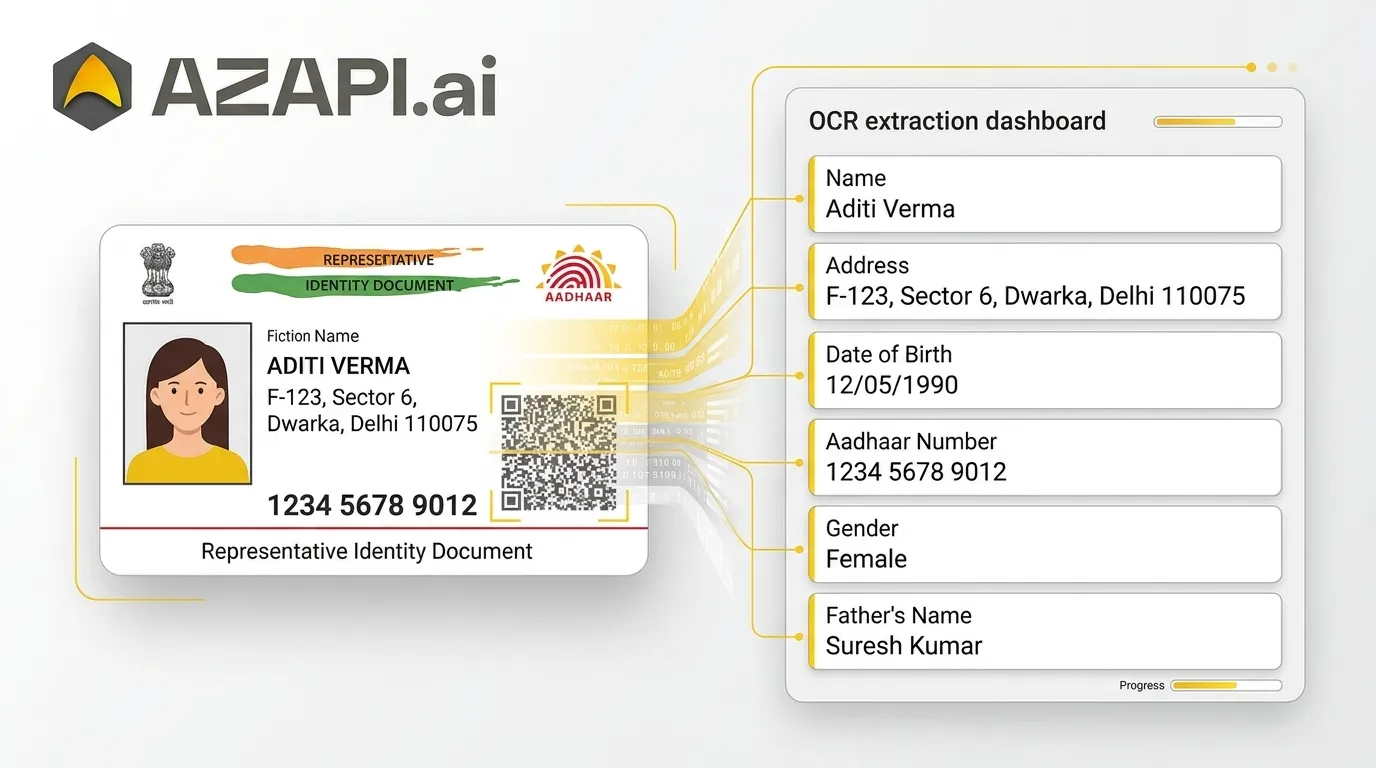
Aadhaar documents contain several identity-related details. Depending on the document and extraction support, an Aadhaar OCR workflow can identify the following fields:
1. Name
The name field helps applications capture the identity holder's name from the submitted document. This information can be used to populate customer registration forms and identity records.
2. Address
Address extraction helps capture the address printed on the Aadhaar document. Applications can use the recognised information in supported address-recording and document-processing workflows.
3. Date of Birth
The date of birth field helps applications collect the date information displayed on the document. Developers should account for different date representations when mapping extracted values.
4. Aadhaar Number
The API can identify supported Aadhaar number information from the document image. Applications must handle Aadhaar numbers responsibly and apply appropriate masking and access controls.
5. Gender
Gender information can be extracted when it is present and readable on the submitted document. It can be mapped to the corresponding field in an application.
6. Father's Name
Where the father's name is printed on the supported document format, OCR can help identify and extract this information for relevant record-processing workflows.
How Aadhaar OCR API Integration Works
Integrating an Aadhaar Data Extraction API generally involves a few steps:
- Document submission: The application receives an Aadhaar card image from an authorised user.
- API request: The application submits the supported document input to the OCR service.
- Image processing: The API analyses the image and identifies readable text.
- Data extraction: Supported identity fields are recognised from the document.
- Response handling: The application receives the extracted information and maps it to the appropriate fields.
- Record processing: The application uses the information in its authorised document-processing workflow.
Developers should validate extracted values before using them in important identity-related decisions. OCR recognition alone does not establish the authenticity of a document or independently verify an individual's identity.
Where Businesses Can Use Aadhaar Data Extraction
Aadhaar OCR integration can support different types of business applications.
- Digital onboarding: Populate supported identity fields during customer registration.
- KYC applications: Reduce repetitive manual entry in authorised document collection workflows.
- Fintech platforms: Organise customer-submitted identity information.
- Document management: Convert supported Aadhaar document images into structured information.
- Enterprise applications: Connect document extraction with existing business software.
- Financial services: Support identity-document data collection in permitted onboarding processes.
What Developers Should Consider Before Integration
Selecting an Aadhaar OCR solution requires evaluating more than basic text recognition.
Some important considerations include:
- Supported Aadhaar document formats and image types.
- Availability of required extraction fields.
- Handling of low-quality, rotated, or unclear images.
- API documentation and integration requirements.
- Response consistency and error handling.
- Protection of sensitive identity information.
- Appropriate handling of masked Aadhaar details.
Developers should also follow applicable UIDAI requirements and Indian data protection rules. Collect only information that is necessary for the intended and authorised purpose.
Choosing an Aadhaar OCR Solution
The right solution depends on the application's document-processing requirements. Before implementation, developers should test representative document images, review the extracted fields, and understand how the API handles different image conditions.
A well-planned integration can reduce repetitive data entry and make identity-document information easier to manage across application workflows.
Explore AZAPI.ai Aadhaar Data Extraction API
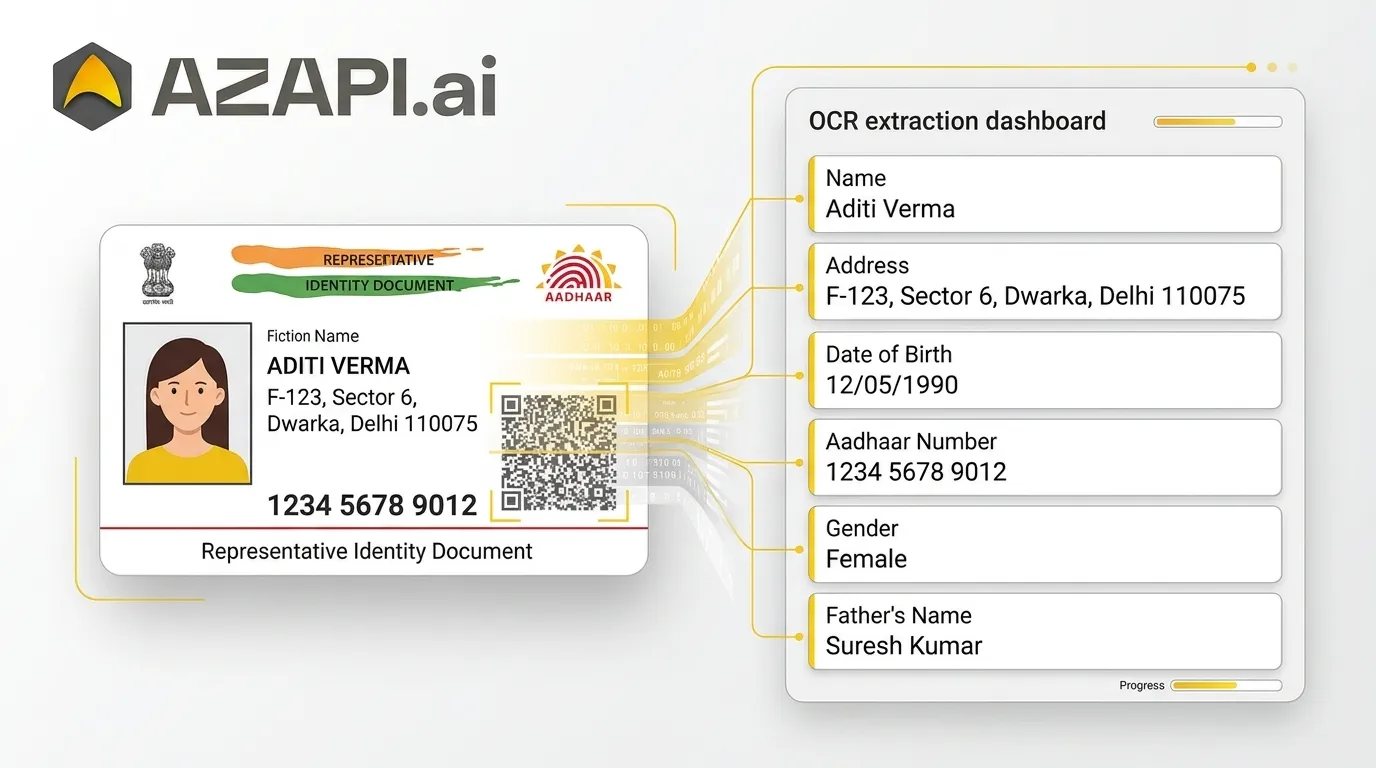
AZAPI.ai provides an Aadhaar OCR API designed to extract supported information from Aadhaar card images. The solution supports extraction of fields such as name, address, date of birth, Aadhaar number, gender, and father's name.
Businesses and developers can explore the service to understand its document-processing capabilities and API integration requirements.
Visit the AZAPI Aadhaar OCR API page to learn more about the service.
For additional information, read the Aadhaar Data Extraction API guide.
Conclusion
Aadhaar Data Extraction APIs help developers connect document recognition with existing applications and reduce repetitive identity-data entry. By extracting supported fields from Aadhaar card images, businesses can make document information easier to organise and process.
For applications involving digital onboarding, KYC document collection, and identity-record management, API-based OCR can be a useful part of a broader document-processing workflow.

Responses (0)
Join the conversation
Sign in to share your thoughts and talk with the author.
Sign in to respondNo responses yet. Be the first to share your thoughts!