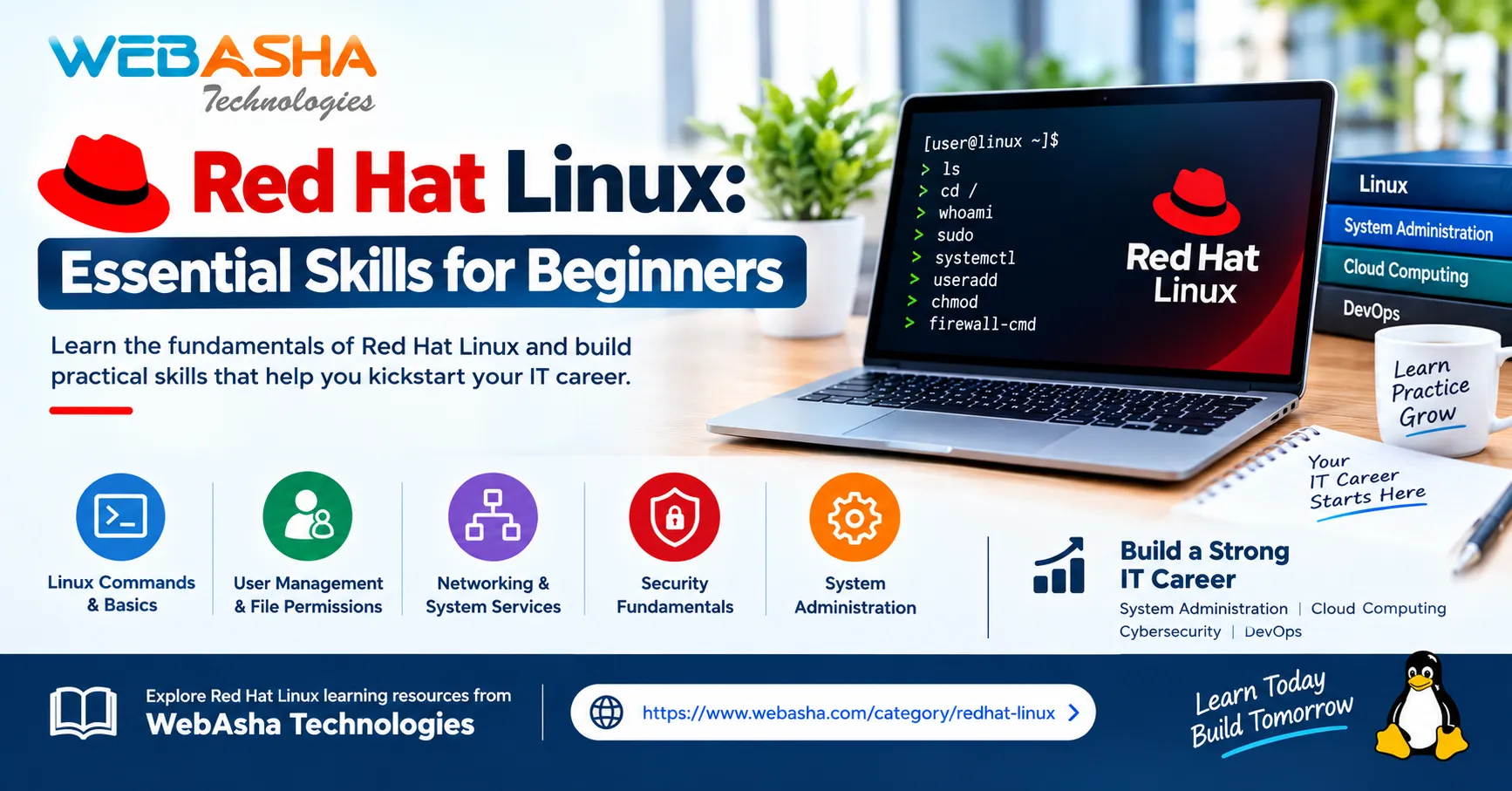
Linux is an open-source operating system widely used in enterprise IT, cloud computing, cybersecurity, software development, and DevOps. Red Hat Enterprise Linux (RHEL) is a popular enterprise distribution designed to support reliable, secure, and manageable computing environments.
Learning Red Hat Linux can help beginners understand how servers operate and how IT professionals maintain systems in real-world environments.
1. Understanding Linux Fundamentals
The first step is understanding the Linux filesystem, terminal, directories, and basic commands. Commands such as pwd, ls, cd, mkdir, cp, and mv help users navigate directories and manage files efficiently.
Beginners should also learn common system directories such as /home, /etc, /var, and /tmp. Understanding their purposes makes it easier to locate configuration files, user data, and system logs.
2. User and Permission Management
Linux supports multiple users and groups, making access control an important administration skill. Learn how to create and manage user accounts, assign groups, and configure file permissions.
Commands such as chmod and chown help control access to files and directories. Administrators should follow the principle of least privilege by granting users only the access they need.
3. Package and Software Management
Red Hat Enterprise Linux uses DNF to install, update, and remove software packages. Package management helps keep applications maintained and systems up to date.
Beginners should understand repositories, package dependencies, and software updates. Practicing package installation in a lab environment provides experience with common administrative tasks.
4. Managing Processes and Services
Processes are running programs, while services provide background functions such as networking and web hosting. Administrators need to monitor processes and manage services to keep systems operating correctly.
Commands such as ps and top help inspect processes and resource usage. The systemctl command is used to check service status, start or stop services, and configure services to start automatically.
5. Networking and Troubleshooting
Networking knowledge is essential for managing Linux servers. Learn the basics of IP addresses, DNS, routing, ports, and connectivity testing.
Tools such as ip, ping, and ss can help investigate network issues. System logs are also valuable for identifying errors and understanding why a service may not be working as expected.
Developing a structured troubleshooting approach helps administrators find the cause of a problem instead of relying on guesswork.
6. Linux Security Fundamentals
Security is an essential part of system administration. Important practices include applying security updates, restricting privileged access, reviewing logs, and configuring firewall rules.
Red Hat Enterprise Linux also supports SELinux, which provides additional access controls to help limit what processes can access. Beginners should understand its purpose and learn how to investigate permission-related issues without disabling security protections unnecessarily.
7. Building Practical Experience
Hands-on practice helps turn theoretical knowledge into useful skills. Beginners can use a Linux virtual machine or training lab to practice commands and administrative tasks safely.
Start by creating test users, managing files, installing packages, checking services, and investigating system logs. As your skills improve, explore shell scripting, scheduled tasks, storage management, and server configuration.
Keeping notes about commands, errors, and solutions can help reinforce learning and prepare you for more complex tasks.
Why Learn Red Hat Linux?
Red Hat Linux skills are useful in system administration, enterprise infrastructure, cloud computing, cybersecurity, and DevOps. Understanding Linux can also help learners work with containers, automation tools, and cloud-based servers.
Explore Red Hat Linux learning resources from WebAsha Technologies:
https://www.webasha.com/category/redhat-linux
Conclusion
Red Hat Linux provides a strong foundation for understanding enterprise IT systems. By learning command-line operations, user permissions, package management, services, networking, and security, beginners can develop practical administration skills. Regular lab practice and systematic troubleshooting are valuable steps toward becoming confident with Linux.
Responses (0)
Join the conversation
Sign in to share your thoughts and talk with the author.
Sign in to respondNo responses yet. Be the first to share your thoughts!