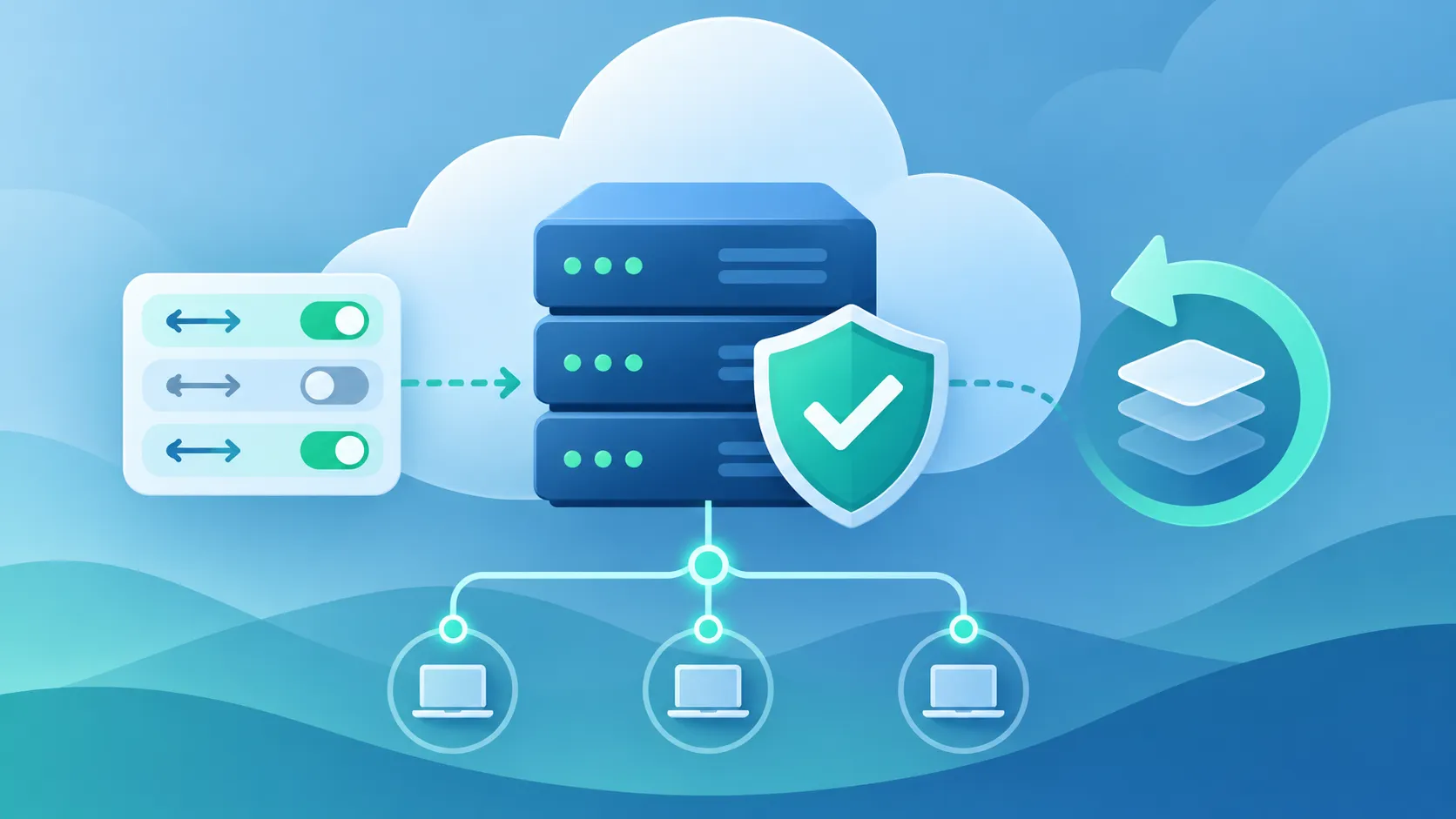

Changing an EC2 security group can look like a small firewall edit, but the effect depends on the complete network path. Before a production change, write down which client connects to which destination, over which protocol and port, and how you will verify both the intended access and the paths that must remain closed. This short preparation makes a rollback far less dependent on guesswork.
Start with the actual connection
Record the source address or security group, the destination instance or load balancer, the port, and the direction of traffic. Include the application health check and any administrative access separately. A browser request may arrive through a load balancer, while an operations session may use a bastion or a private management channel. Treating those as one path can lead to a rule that fixes the public service but locks out the team.
Identify the network interfaces and security groups actually attached to each resource. A security group is stateful, and multiple groups attached to an interface are evaluated together. Removing a rule from one group does not necessarily remove access if another group still permits it. Conversely, editing a group attached to multiple resources can affect more than the instance currently under investigation.
Check controls beyond the security group
Review subnet route tables, network ACLs, load balancer listeners and target groups, and the operating system firewall where applicable. Security groups do not replace routing. For private connections, confirm the relevant VPN, peering, transit gateway, or endpoint path. Note whether DNS resolves to a public or private address from each test location. A change that succeeds from an office network may still fail from another region or from a monitoring service.
Use the principle of least privilege when choosing source ranges. Prefer a known security group reference or a narrow CIDR when appropriate, and document why the rule exists. Avoid opening an administrative port broadly merely to make a test pass. If a temporary exception is necessary, give it an owner and an explicit removal time, and use an approved access method.
Prepare a reversible change
Capture the current inbound and outbound rules, associated resource identifiers, and the intended new rules before editing. Keep a copy in the team's normal change record, without including credentials or private keys. Define the rollback action in concrete terms: which rule will be restored or removed, who can apply it, and which independent management path remains available if the first connection fails.
Change one thing at a time where possible. Apply the smallest rule needed, then run a planned set of tests from the expected source. Test the application endpoint and health checks, inspect relevant logs or flow records, and check that a connection from an unauthorized source is still denied. A successful TCP connection alone does not prove that the application is healthy, so include a request that exercises the service itself.
Observe and close the loop
Watch error rates, target health, connection failures, and latency through a suitable observation window. If the expected result is absent, compare each hop with the written path before adding more permissions. Roll back when the agreed threshold is reached; waiting indefinitely while accumulating temporary rules makes the final state harder to audit.
Once the change is stable, update the diagram and remove temporary access. For further reading on EC2 and Lightsail planning, see the cloud resource site. The Telegram channel provides a place to follow related discussions. Always adapt this checklist to your own architecture, approval process, and AWS configuration.
Responses (0)
Join the conversation
Sign in to share your thoughts and talk with the author.
Sign in to respondNo responses yet. Be the first to share your thoughts!